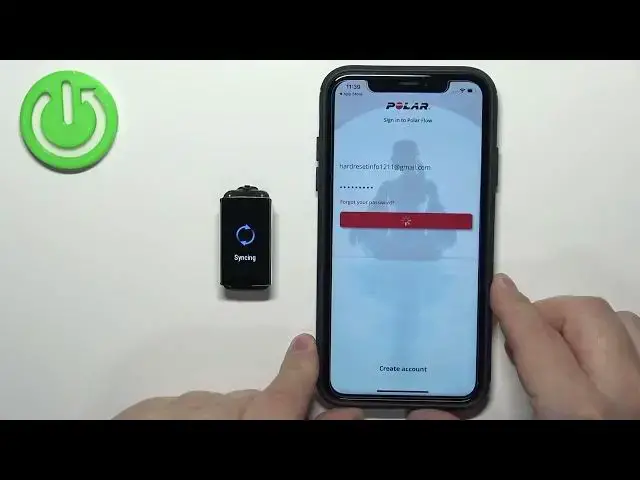

How to Pair Polar A370 Smartband with iPhone - Connect Polar with Apple Device with POLAR app
Jul 25, 2024

Best Tips & Tricks about POLAR A370 Smartband: https://www.hardreset.info/devices/polar/polar-a370/
To connect your Polar A370 smartband with your iPhone, you'll need to turn on Bluetooth on your phone and make your smartband discoverable. To do this, go to the "Settings" app on your iPhone, tap "Bluetooth," and make sure it's turned on. Then, hold down the button on the side of your Polar A370 smartband until the main menu appears, and tap the Bluetooth icon. Your smartband will now be discoverable to other Bluetooth devices.
How to set up iPhone and Polar A370 together?
How to add Polar A370 to the list of connected devices on Apple?
#polar #apple #connect
Follow us on Instagram ► https://www.instagram.com/hardreset.info
Like us on Facebook ► https://www.facebook.com/hardresetinfo/
Tweet us on Twitter ► https://twitter.com/HardResetI
Support us on TikTok ► https://www.tiktok.com/@hardreset.info
Use Reset Guides for many popular Apps ► https://www.hardreset.info/apps/apps/
Show More Show Less #Medical Devices & Equipment
#Gadgets & Portable Electronics
#Other