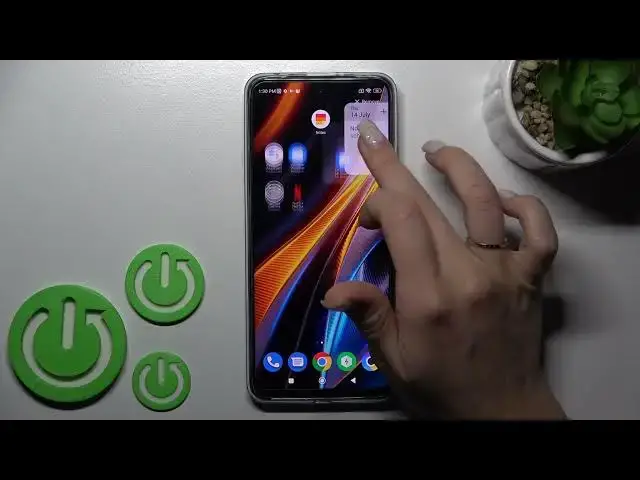

How to Operate Home Screen Widgets in POCO X4 GT – Add Widgets on Main Screen
Jun 29, 2024

Check out more info about POCO X4 GT: https://www.hardreset.info/devices/poco/poco-x4-gt/tutorials/
Did you know that you can Add or Remove Widgets in POCO 4X GT? Thanks to them, you’ll be able to access apps much faster, like Calendar, Clock, and much more. Just grab your Poco, and repeat all steps shown in this tutorial on it, then Add the best Widgets like Google Seach Bar and remove all useless ones. So, don’t just wait there, let’s get started!
How to Add Widgets to Home Screen in POCO X4 GT? How to Add Different Widgets on Home Screen in POCO X4 GT? How to Add Calendar Widget on Home Screen in POCO X4 GT? How to Add Clock Widget on Home Screen in POCO X4 GT? How to Add Seach Bar Widget on Home Screen in POCO X4 GT? How to Remove Widgets to Home Screen in POCO X4 GT? How to Remove Different Widgets on Home Screen in POCO X4 GT?
#POCOX4GT #HomeScreenWidgets #AddWidgets
Follow us on Instagram ► https://www.instagram.com/hardreset.info
Like us on Facebook ► https://www.facebook.com/hardresetinfo/
Tweet us on Twitter ► https://twitter.com/HardResetI
Support us on TikTok ►https://tiktok.com/@hardreset.info
Use Reset Guides for many popular Apps ► https://www.hardreset.info/apps/apps/
Show More Show Less