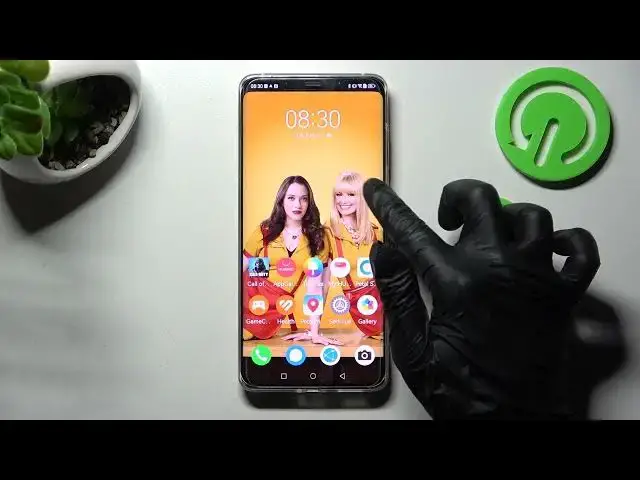

How to Open Apps in Pop Up View on HUAWEI Mate 50 Pro - Floating Window Mode
Mar 27, 2024

Learn more about HUAWEI Mate 50 Pro
https://www.hardreset.info/devices/huawei/huawei-mate-50-pro/
Using the HUAWEI Mate 50 Pro smartphone in Pop Up View will be very easy if you follow our tutorial. The Floating Windows option allows you to use some applications in a window on top of other applications running on your mobile device at the same time. You won't want to miss your chance to learn how to manage this cool Pop-Up View feature of your HUAWEI gadget. Take advantage of this moment today! Good luck!
How to enter Pop Up View on HUAWEI Mate 50 Pro?
How to enable Floating Mode on HUAWEI Mate 50 Pro?
How to use Pop Up View on HUAWEI Mate 50 Pro?
How to activate Windowed Mode on HUAWEI Mate 50 Pro?
#FloatingMode #PopUpView #HUAWEIMate50Pro
Follow us on Instagram ► https://www.instagram.com/hardreset.info
Like us on Facebook ► https://www.facebook.com/hardresetinfo/
Tweet us on Twitter ► https://twitter.com/HardResetI
Support us on TikTok ► https://www.tiktok.com/@hardreset.info
Use Reset Guides for many popular Apps ► https://www.hardreset.info/apps/apps/
Show More Show Less