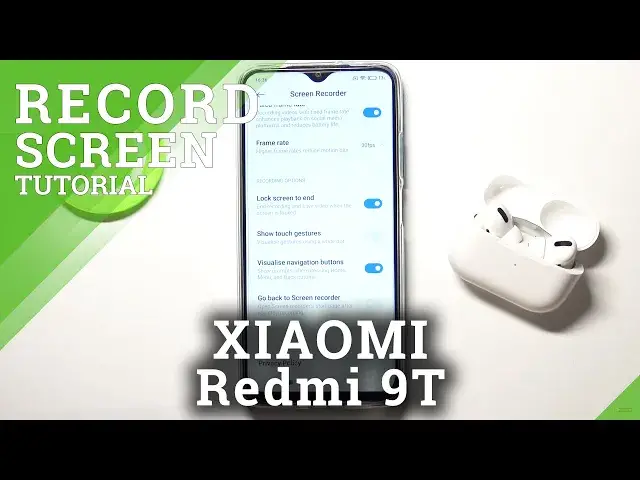

How to Manage Screen Touches of Screen Recorder on XIAOMI Redmi 9T – Screen Recording Options
Jul 11, 2024

Read more about XIAOMI Redmi 9T:
https://www.hardreset.info/devices/xiaomi/xiaomi-redmi-9t/
Do you know how to get rid of the touch dot when screen recording on your XIAOMI Redmi 9T device? Would you like to turn off all of the touch indicators? Check out the presented steps to easily access the screen recorder settings panel to hide touch actions on the screen during screen recording on your XIAOMI Redmi 9T device.
How to Enable Screen Touches in Screen Recorder on XIAOMI Redmi 9T? How to Disable Screen Recorder Touches on XIAOMI Redmi 9T? How to Turn On Screen Recorder Touches on XIAOMI Redmi 9T? How to Turn Off Screen Touches in Screen Recorder on XIAOMI Redmi 9T? How to Show Actions on the Screen during the Screen Recording on XIAOMI Redmi 9T?
#ScreenRecorder #ScreenVideo #XIAOMIRedmi9T
Follow us on Instagram ► https://www.instagram.com/hardreset.info
Like us on Facebook ► https://www.facebook.com/hardresetinfo/
Tweet us on Twitter ► https://twitter.com/HardReset
Support us on TikTok ► https://www.tiktok.com/@hardreset.inf
Use Reset Guides for many popular Apps ► https://www.hardreset.info/apps/apps/
Show More Show Less