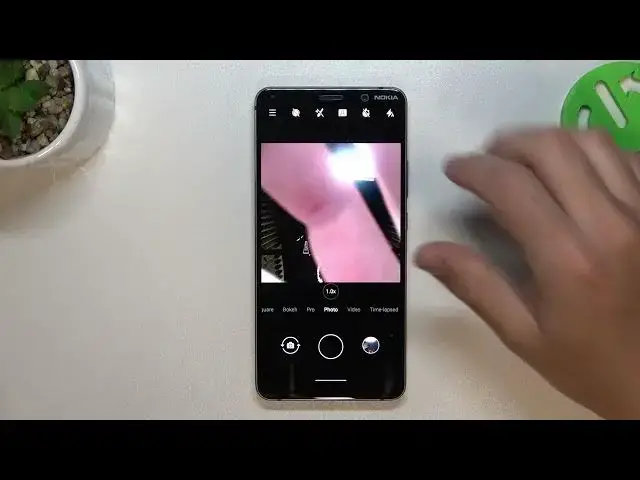

How to Manage Front Camera on NOKIA 9 PureView - Mirror Effect
Aug 3, 2024

Find out more info about NOKIA 9 PureView at:
https://www.hardreset.info/devices/nokia/nokia-9-pureview/tutorials/
Managing the front camera and enabling or disabling the mirror effect on your NOKIA 9 PureView is very, very simple. Follow our steps, open the camera settings, and find an option to control the mirror effect of the front camera. Enabling the mirror effect displays a mirrored image on the screen, but disabling it shows a non-mirrored view.
How to manage front camera on NOKIA 9 PureView? How to enable camera mirror on NOKIA 9 PureView? How to disable camera mirror on NOKIA 9 PureView?
#MirrorEffect #CameraMirrorEffect #NOKIA9PureView
Follow us on Instagram ► https://www.instagram.com/hardreset.info
Like us on Facebook ► https://www.facebook.com/hardresetinfo/
Tweet us on Twitter ► https://twitter.com/HardResetI
Support us on TikTok ► https://www.tiktok.com/@hardreset.info
Use Reset Guides for many popular Apps ► https://www.hardreset.info/apps/apps/
Show More Show Less