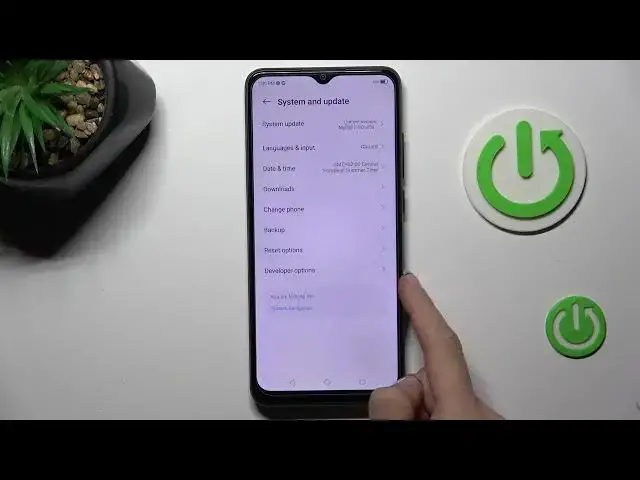

How to Manage Auto Update in ZTE Blade A53 Pro - Automatic System Updates
Aug 1, 2024

Click on this link to learn more about ZTE Blade A53 Pro: https://www.hardreset.info/devices/zte/zte-blade-a53-pro/tutorials/
Today, we'd be delighted to demonstrate how simple it is to Enable Automatic System Updates on the ZTE Blade A53 Pro! In this manner, as soon as the most recent version becomes available, your phone will update itself to it. Therefore, follow all guidelines, and stop worrying about your smartphone shutting down due to outdated info. Let's start!
How to Enable Auto System Update in ZTE Blade A53 Pro? How to Enable Automatic Software Update in ZTE Blade A53 Pro? How to Enable Automatic Android System Update in ZTE Blade A53 Pro?
#ZTEBladeA53Pro #AutomaticSystemUpdate #ManageAutoUpdate
Follow us on Instagram ► https://www.instagram.com/hardreset.info
Like us on Facebook ► https://www.facebook.com/hardresetinfo/
Tweet us on Twitter ► https://twitter.com/HardResetI
Support us on TikTok ►https://tiktok.com/@hardreset.info
Use Reset Guides for many popular Apps ► https://www.hardreset.info/apps/apps/
Show More Show Less