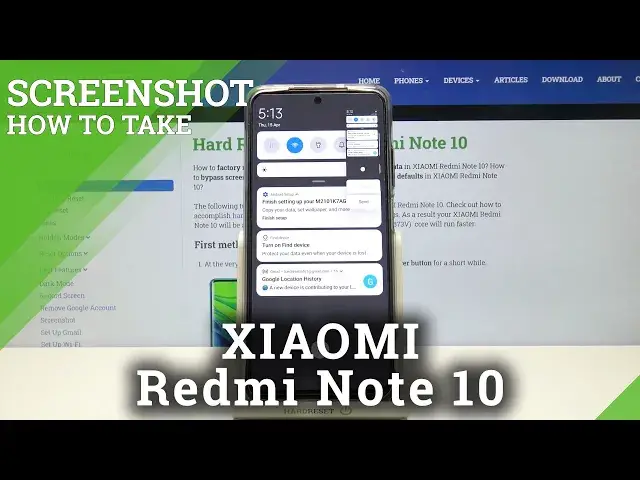

How to Make Screenshot Using Gestures in XIAOMI Redmi Note 10 – Check New Screenshot Method
Jul 13, 2024

Learn more info about XIAOMI Redmi Note 10: https://www.hardreset.info/devices/xiaomi/xiaomi-redmi-note-10/
If you’re wondering how to make screenshot in your XIAOMI Redmi Note 10 but not using traditional way but gestures? In this tutorial we’d like to share with you how easily you can use proper gesture thanks to which you’ll be able to catch the screen. Thanks to this you won’t have to bother about pressing two buttons, simply use the gesture. So let’s follow all shown steps and successfully learn how to use gestures to make screenshot.
How to use gestures to take screenshot in XIAOMI Redmi Note 10? How to make screenshot with gestures in XIAOMI Redmi Note 10? How to use gestures in XIAOMI Redmi Note 10? How to find screenshot gestures in XIAOMI Redmi Note 10? How to take screenshot on XIAOMI Redmi Note 10? How to capture screen in XIAOMI Redmi Note 10? How to save screen in XIAOMI Redmi Note 10? Where to find screenshot on XIAOMI Redmi Note 10? How to find screenshot folder in XIAOMI Redmi Note 10?
Follow us on Instagram ► https://www.instagram.com/hardreset.info
Like us on Facebook ► https://www.facebook.com/hardresetinfo/
Tweet us on Twitter ► https://twitter.com/HardResetI
Show More Show Less