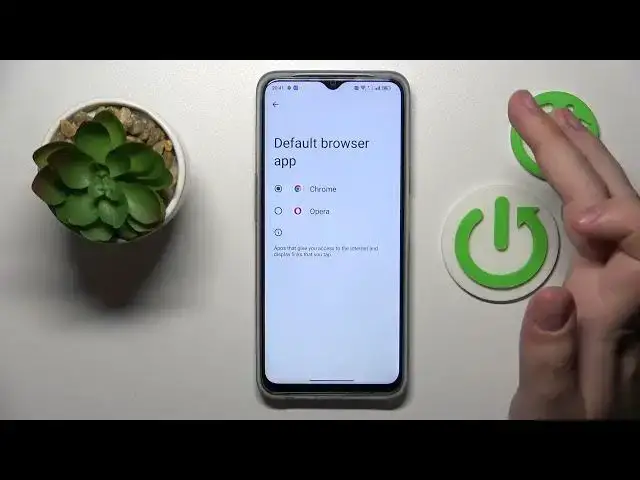

How to Make Google Chrome the Default Browser App on OPPO A77s
Aug 1, 2024

Learn more about the OPPO A77s: https://www.hardreset.info/devices/oppo/oppo-a77s/tutorials/
In this YouTube video, we'll guide you through the process of setting Chrome as the default browser app on your OPPO A77s. By default, your device may have a different browser set as the default, but if you prefer using Chrome for all your web browsing needs, we'll show you how to make the switch. We'll walk you through the settings on your device, where you can choose the default apps option. With just a few simple steps, you'll be able to set Chrome as your default browser, ensuring that all web links and URLs open directly in Chrome instead of the previous default browser. Whether you're a long-time Chrome user or simply prefer its features and seamless integration with other Google services, changing the default browser will enhance your browsing experience on your OPPO A77s.
How to set Chrome as the default browser app on OPPO A77s? How to change the default browsing app to Google Chrome on OPPO A77s? How to use Chrome as the default browser on OPPO A77s?
#OPPOA77s #Chrome #OPPOApps
Follow us on Instagram ► https://www.instagram.com/hardreset.info
Like us on Facebook ►
https://www.facebook.com/hardresetinfo/
Tweet us on Twitter ► https://twitter.com/HardResetI
Support us on TikTok ► https://www.tiktok.com/@hardreset.info
Use Reset Guides for many popular Apps ► https://www.hardreset.info/apps/apps/
Show More Show Less