0:00
Hi, welcome to hard wizard info channel de viewers in front of me in Phoenix hot 25G device
0:06
and now I'm going to show you how to speed up and how to make your
0:11
Infinix hot 25G faster. So the first aspect that can slow down your device is full built-in memory
0:23
So you need to have always sort of 30% of free memory because if your memory is filled over than 70% your device will slowing down
0:45
You need to know it. Of course if you are using a slow memory card, slow memory CD card
0:53
and you have switched application to CD card from internal memory. your device will slowing down so firstly if you want to speed up your device and you
1:06
have your internal memory filled over than 70 you just need to free up your memory you can do it by by removing unused applications to do you just need to free up your memory You can do it by removing unused applications To do you just find any application
1:22
Click uninstall and click okay. And of course, you can use any cloud storages
1:35
for example, Google Photos or I don't know, Mega Drive. trash oh not trash box but
1:45
Dropbox so sorry I don't know Microsoft 1 Drive to move your photos and videos
1:56
from your internal memory to the cloud storage Of course you need to pay for it
2:02
after you will feel free space For example Google Drive gives you 15
2:10
gigabytes for free one drive gives you five gigabytes for free mega drive gives you 50 gigabytes for free but you you will have restricted
2:26
size for four files in free version so you just need to try try cloud storages to to to find the best result for you okay and the second aspect you you that second aspect
2:45
that can negatively affect the speed of your device is the lack of RAM all the
2:50
processor processes are running at the moment are running your RAM so as can see here in
2:55
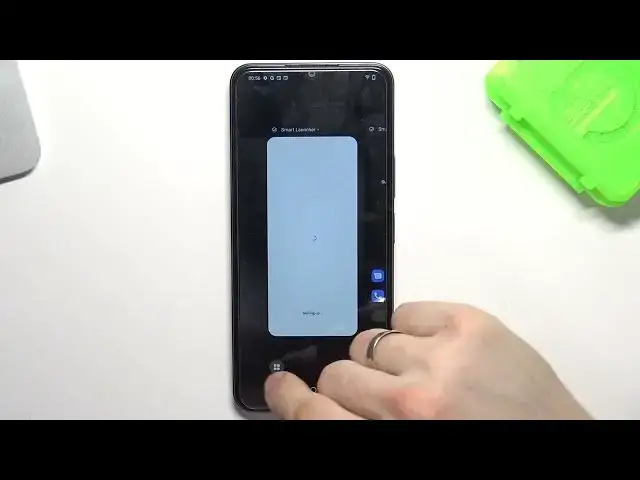
my RAM are running one, two, three, four, five, four applications in this moment, in the same
3:06
moment. So if you want to free up your memory, just swipe your application up, and in this way
3:19
you will free up your memory. Here on your device, you have I-Manager application
3:28
This is pre-installed application on your device. And here you have space cleanup
3:38
Security scan and... Okay so we just need two buttons Optimize and space cleanup Optimizing is removing data from your RAM
3:53
This is optimization, and space cleanup will clean up your dust files
4:00
So the third aspect that can slow down your device is the files that are left over from running up
4:07
Applications in the Android operation system leader leaving behind a lot of junk
4:12
three files that are not noticeable for the to look to the average user of the device
4:20
So in order to clean this files, you will need this program, I-Manager program
4:26
And here, as you can see, I-Manager detect 100 megabytes of junk files
4:34
And to clean it up, just click clean up. and this program cleaned up 100 mcabytes
4:45
So that's it. Thanks for watching, like this video, subscribe to the other channel and bye