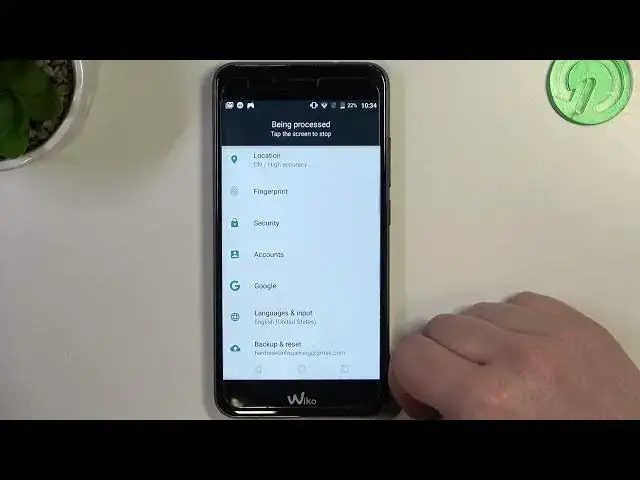

How to Make a Full Page Screenshot on WIKO U Pulse? - Capture Entire Screen
Mar 16, 2024

Learn more about WIKO U Pulse
https://www.hardreset.info/devices/wiko/wiko-u-pulse/tutorials/
The purpose of this tutorial is to show you how to create a full-page screenshot. A full-page screenshot allows you to capture a webpage in its entirety, including parts that are not visible on the screen. You can easily capture and save entire web pages with this feature. We will walk you through the steps to access the screenshot functionality, select the full-page screenshot option, and save the screenshot to your device. Visit our HardReset.info YouTube channel to learn more.
How to take a full-page screenshot on WIKO U Pulse?
How to capture an entire webpage on WIKO U Pulse?
How to save a full-page screenshot on WIKO U Pulse?
How to access the screenshot function and capture a full-page screenshot on WIKO U Pulse?
#FullPageScreenshot #CaptureEntireScreen #WIKOUPulse
Follow us on Instagram ► https://www.instagram.com/hardreset.info
Like us on Facebook ► https://www.facebook.com/hardresetinfo/
Tweet us on Twitter ► https://twitter.com/HardResetI
Support us on TikTok ► https://www.tiktok.com/@hardreset.info
Use Reset Guides for many popular Apps ► https://www.hardreset.info/apps/apps/
Show More Show Less