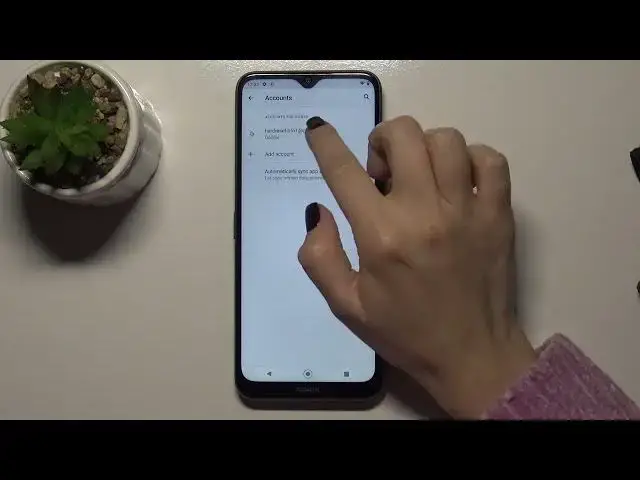

How to Logout from Gmail Account on Nokia G50 – Google Account Settings
Jul 5, 2024

Check more Info about Nokia G50:
https://www.hardreset.info/devices/nokia/nokia-g50-5g/
Hey Everyone! If you have linked your Google account to your Nokia G50, you can work with emails when you sign in to the Gmail app. If you have a question, how to log out of Gmail Account on Nokia G50? This can only be done by logging out of your Google account on the device, otherwise you cannot log out of the application separately. To find out how to log out from Gmail Account on Nokia G50 – open our video tutorial and follow all the steps of our Specialist. To find more information visit our HardReset.info YT channel and discover many useful tutorials for Nokia G50.
How to Sign Out of Google Account on Nokia G50?
How to Remove Gmail Account on Nokia G50?
How to Manage Google Account on Nokia G50?
#GooglAccount #Gmail #GoogleAccountAndroid
Follow us on Instagram ► https://www.instagram.com/hardreset.info
Like us on Facebook ► https://www.facebook.com/hardresetinfo/
Tweet us on Twitter ► https://twitter.com/HardResetI
Support us on TikTok ► https://www.tiktok.com/@hardreset.info
Use Reset Guides for many popular Apps ► https://www.hardreset.info/apps/apps/
Show More Show Less