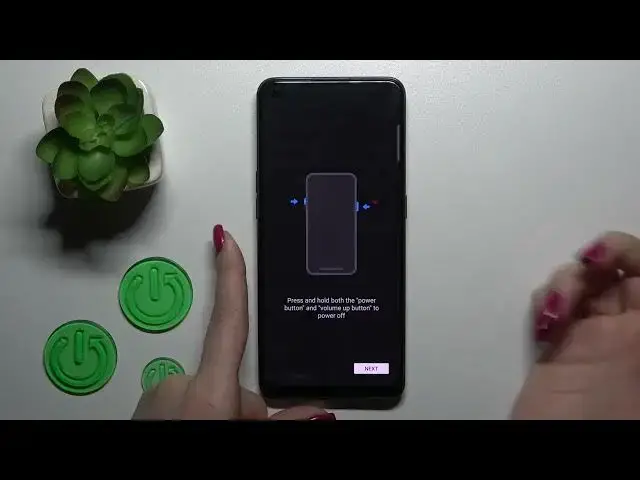

How to Link / Unlink the Google Assistant Quick Launch to/from Power Button on OPPO Reno 8T
Mar 22, 2024

Learn more about OPPO Reno 8T: https://www.hardreset.info/devices/oppo/oppo-reno-8t/tutorials/
In this tutorial, you'll learn how to enable or disable the Google Assistant quick launch feature using the side power key on your OPPO Reno 8T. This feature allows you to quickly launch Google Assistant by pressing and holding the side power key. To enable or disable this feature, go to "Settings", then "Convenience Tools", and then "Side Key". From there, toggle on or off the "Press and hold for Assistant" option to enable or disable the Google Assistant quick launch feature. If you choose to enable it, you can also customize the long press duration for the side power key. That's it! Thanks for watching, and be sure to subscribe for more helpful OPPO Reno 8T tech tutorials.
How to quick launch Google Assistant with a side power key on an OPPO Reno 8T? How to manage the Google Assistant quick launch preferences on an OPPO Reno 8T? How to unassign Google Assistant quick launch from the side power key on an OPPO Reno 8T?
#OPPOReno8T #QuickLaunch #OPPOGestures
Follow us on Instagram ► https://www.instagram.com/hardreset.info
Like us on Facebook ►
https://www.facebook.com/hardresetinfo/
Tweet us on Twitter ► https://twitter.com/HardResetI
Support us on TikTok ► https://www.tiktok.com/@hardreset.info
Use Reset Guides for many popular Apps ► https://www.hardreset.info/apps/apps/
Show More Show Less