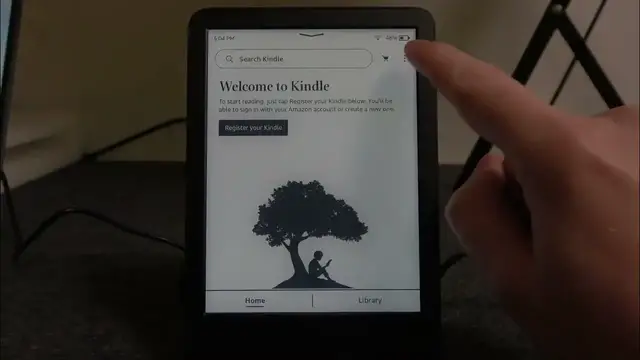

How to Invert Black & White Colors on AMAZON Kindle Touch 11 | Customized Reading Aesthetics
Jan 19, 2024

Find out more: https://www.hardreset.info/devices/amazon/
Welcome to HardReset.Info, your trusted source for Kindle and tech knowledge! In this tutorial, we're going to explore "How to Invert Black & White Colors on AMAZON Kindle Touch 11." If you're interested in changing the display to a high-contrast black-and-white mode for easier reading or unique aesthetics, this guide is perfect for you. We'll guide you through the process of inverting black and white colors on your Kindle Touch 11, allowing you to customize your reading experience. Join us as we explore this feature that ensures your Kindle is adaptable to your visual preferences.
#KindleBlackAndWhite
#HighContrastReading
#TechVisualCustomization
How to access the black-and-white inversion settings on your Kindle Touch 11 for customization?
How to invert the colors to a high-contrast black-and-white mode for unique reading aesthetics?
How to revert to the standard color display when you want to switch back?
How to adjust black-and-white inversion settings to match your specific visual preferences?
How to make your Kindle Touch 11 a visually adaptable device with black-and-white color inversion?
Follow us on Instagram ► https://www.instagram.com/hardreset.info
Like us on Facebook ► https://www.facebook.com/hardresetinfo/
Tweet us on Twitter ► https://twitter.com/HardResetI
Support us on TikTok ► https://www.tiktok.com/@hardreset.info
Use Reset Guides for many popular Apps ► https://www.hardreset.info/apps/apps/
Show More Show Less