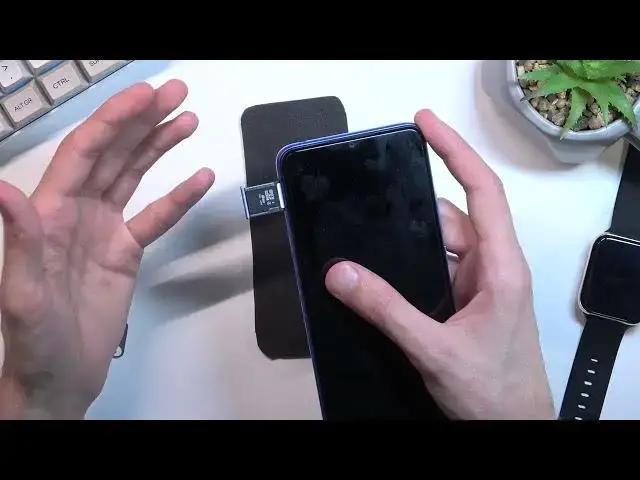

How to Insert SIM and SD in XIAOMI Redmi 10C - Open SIM Slot / Install Nano SIM & Micro SD Card
Jul 1, 2024

XIAOMI Redmi 10C Set Up SIM and SD:
https://www.hardreset.info/devices/xiaomi/xiaomi-redmi-10c/tutorials/
In this video, you can find the easy way to insert Nano SIM and Micro SD Card. We'll show you how to find the right card slot, pull out the special tray, and insert both cards in this tutorial. You can use your SIM card to activate your device, and your SD card will give you more memory to save photos and other stuff. So let's follow all the steps and successfully get both cards on your device.
How to install Nano SIM in XIAOMI Redmi 10C? How to insert Nano SIM in XIAOMI Redmi 10C? How to set up Nano SIM and SD in XIAOMI Redmi 10C? How to use external storage in XIAOMI Redmi 10C? How to insert Nano SIM Card in XIAOMI Redmi 10C? How to use Nano SIM Card in XIAOMI Redmi 10C? How to insert micro SD Card in XIAOMI Redmi 10C?
#SIMCard #InsertCard #XiaomiRedmi10C
Follow us on Instagram ► https://www.instagram.com/hardreset.info
Like us on Facebook ► https://www.facebook.com/hardresetinfo/
Tweet us on Twitter ► https://twitter.com/HardResetI
Support us on TikTok ► https://www.tiktok.com/@hardreset.info
Use Reset Guides for many popular Apps ► https://www.hardreset.info/apps/apps/
Show More Show Less