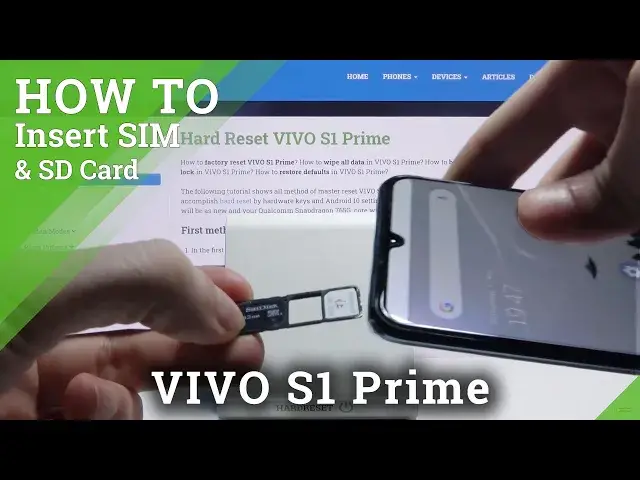

How to Insert Nano SIM and Micro SD to VIVO S1 PRIME – Nano SIM Installation
Jul 16, 2024

Learn more info about VIVO S1 PRIME:
https://www.hardreset.info/devices/vivo/vivo-s1-prime/
Check the attached tutorial to find out how to properly insert the Nano SIM card and the Micro SD card into the VIVO S1 PRIME. Watch this tutorial carefully and locate the slot for these two cards. Our specialist will show you how to properly insert these two cards and how to activate them. If you want to use the Internet and make calls and receive phone calls and messages, you must have an active SIM card. If you are sure you will need a lot of memory then you should insert the SD card and transfer the data to external memory.
How to insert Micro SD Card to VIVO S1 PRIME? How to input Micro SD Card to VIVO S1 PRIME? How input Nano SIM Card to VIVO S1 PRIME? How to insert memory card to VIVO S1 PRIME? How to insert Nano SIM Card to VIVO S1 PRIME? How to find slot for SIM and SD Cards in VIVO S1 PRIME? How to Find Slot for Nano SIM Card in VIVO S1 PRIME? How to Find Slot for Micro SD Card in VIVO S1 PRIME? How to Open Slot for Nano Sim Card and Micro SD Card in VIVO S1 PRIME? How to activate SIM Card in VIVO S1 PRIME?
Follow us on Instagram ► https://www.instagram.com/hardreset.info
Like us on Facebook ► https://www.facebook.com/hardresetinfo/
Tweet us on Twitter ► https://twitter.com/HardResetI
Show More Show Less