
0:00
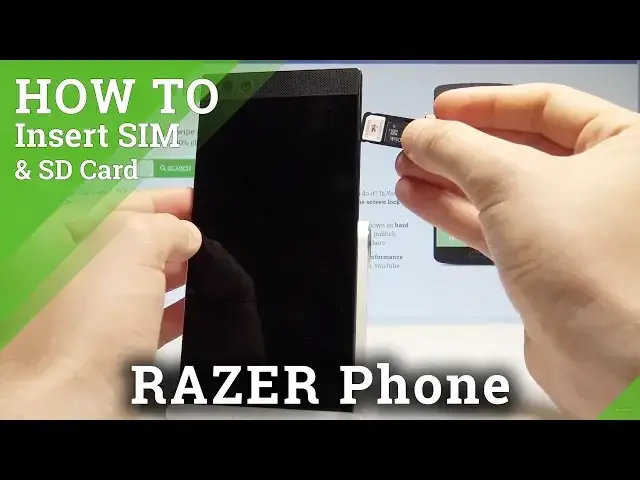
Here I have Razer phone and let me show you how to insert here the nano sim and microSD
0:11
So at the very beginning let's start by pressing the power key, let me switch off the device
0:15
choose power off and wait, let's wait until your phone will be completely turned off
0:20
Afterwards you need to find the slot. The slot is located right here, at the right edge of the device
0:27
Let's simply use some thumber tuck or special eject tool to open this slot, in my case it
0:32
could be simple thumber tuck. Let's just press it right here, just press it to the end to open the whole thing
0:41
Now you may remove the slot, let me do it. And here you can insert the two cards, nano sim and microSD
0:52
Let's start with microSD. Here I have such a card with the characteristic edge right here, let's put this card in the
0:58
following slot. And let's also insert here the nano sim card with the characteristic edge right here
1:06
Let's insert this card in that position. As you can see this is the properly inserted cards, so now let's put the whole thing into
1:17
your device and press it to the end. Alright, let me press power key to switch on the device
1:30
The razor is turning on. Let me check out if both cards works properly
1:45
Let's unlock the screen and as you can see, you can for example check out if your SD card
1:51
is working by finding and selecting the settings right here, scroll down, choose storage and
1:57
as you can see your device is using the portable storage. So everything went well, thank you for watching, please subscribe our channel, leave thumbs
