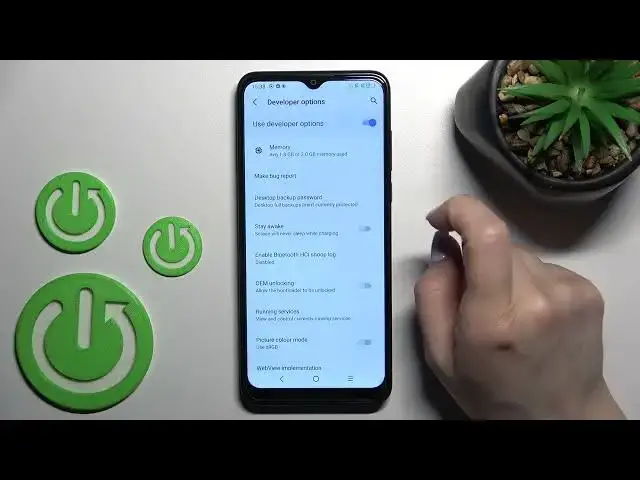

How to Hide Developer Options in TCL 306 – Disable Developer Settings
Jul 1, 2024

Find out more about TCL 306: https://www.hardreset.info
If you activated developer options and you want to hide it back on TCL 306, then you are in a good place. Check out by watching this short guide how to turn off developer options and erase this mode from menu. Leave a comment in a section below and also like this video if you enjoy watching tutorials like this one.
How to disable developer options in TCL 306? How to deactivate developer options in TCL 306? How to hide developer settings in TCL 306? How to turn off developer options in TCL 306?
#HideDeveloperOptions #DeveloperSettings #TCL306
Follow us on Instagram ► https://www.instagram.com/hardreset.info
Like us on Facebook ► https://www.facebook.com/hardresetinfo/
Tweet us on Twitter ► https:g//twitter.com/HardResetI
Support us on TikTok ►https://tiktok.com/@hardreset.info
Use Reset Guides for many popular Apps ► https://www.hardreset.info/apps/apps/
Show More Show Less