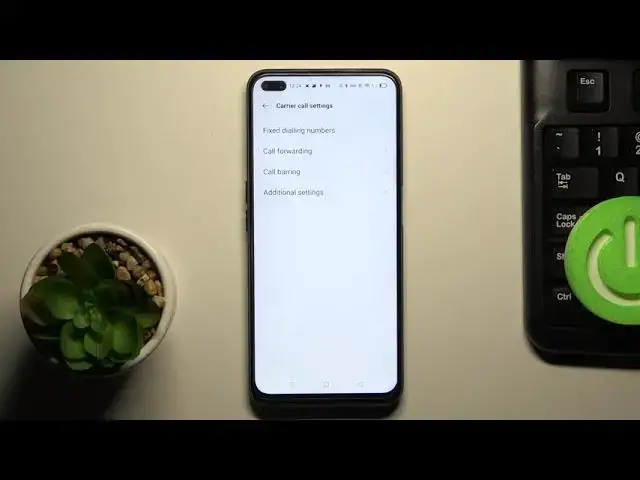

How to Hide Caller ID in OPPO Reno4 Z 5G – Make Phone Number As Private
Jul 9, 2024

Learn more info about OPPO Reno4 Z 5G: https://www.hardreset.info/devices/oppo/oppo-reno4-z-5g/
If you need to make your phone number private, open this tutorial and follow our instructions. If you hide your ID, the person you are calling will not be able to see your phone number, so if you need to, you can keep your anonymity. Remember that people who have you on the contact list will also not be able to recognize your number, so we suggest- hide your phone number in exceptional circumstances.
How to Hide Caller ID in OPPO Reno4 Z 5G? How to Show Caller ID in OPPO Reno4 Z 5G? How to Enable Caller ID in OPPO Reno4 Z 5G? How to Check Caller ID In OPPO Reno4 Z 5G? How to Open ID Settings in OPPO Reno4 Z 5G? How to Show Phone Number Caller ID in OPPO Reno4 Z 5G? How to Hide Phone Number Caller ID in OPPO Reno4 Z 5G?
#HideIDCaller #ShowIDCaller #OPPOReno4Z5G
Follow us on Instagram ► https://www.instagram.com/hardreset.info
Like us on Facebook ► https://www.facebook.com/hardresetinfo/
Tweet us on Twitter ► https://twitter.com/HardResetI
Support us on TikTok ► https://www.tiktok.com/@hardreset.info
Use Reset Guides for many popular Apps ► https://www.hardreset.info/apps/apps/
Show More Show Less