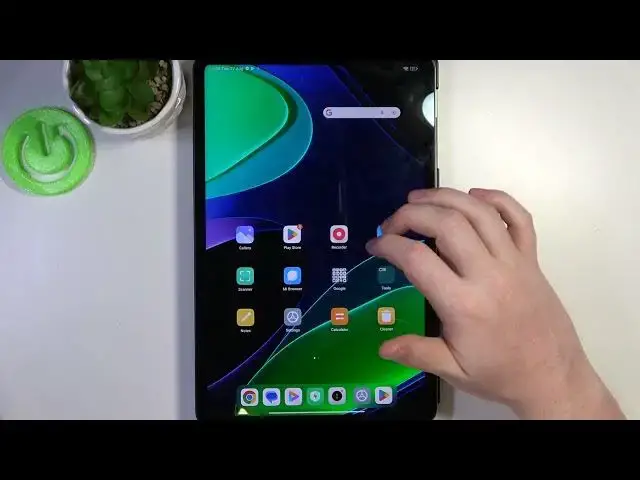

How to Fix Your Clock is Behind Error on XIAOMI Pad 6 - Fixing Internet Issues
Aug 4, 2024

We invite you to visit our website and learn more about XIAOMI Pad 6: https://www.hardreset.info/devices/xiaomi/xiaomi-pad-6/tutorials/
Are you facing internet connectivity problems on your XIAOMI Pad 6? In this video, we'll guide you through a simple and effective solution. Learn how to enable the "Network Provided Time & Date" feature to improve your device's internet connectivity. By syncing your tablet's time and date settings with your network provider, you can potentially resolve issues that might be affecting your internet connection. Follow along as we demonstrate the steps and share tips to ensure a smoother online experience on your XIAOMI Pad 6.
How to set network provided time and date on XIAOMI Pad 6? How to enable automatic date and time on XIAOMI Pad 6? How to fix internet connectivity problems on XIAOMI Pad 6? How to deal with internet difficulties on XIAOMI Pad 6?
#XIAOMIPad6 #TimeAndDate #XIAOMINetwork
Follow us on Instagram ► https://www.instagram.com/hardreset.info
Like us on Facebook ► https://www.facebook.com/hardresetinfo/
Tweet us on Twitter ► https://twitter.com/HardResetI
Support us on TikTok ► https://www.tiktok.com/@hardreset.info
Use Reset Guides for many popular Apps ► https://www.hardreset.info/apps/apps/
Show More Show Less