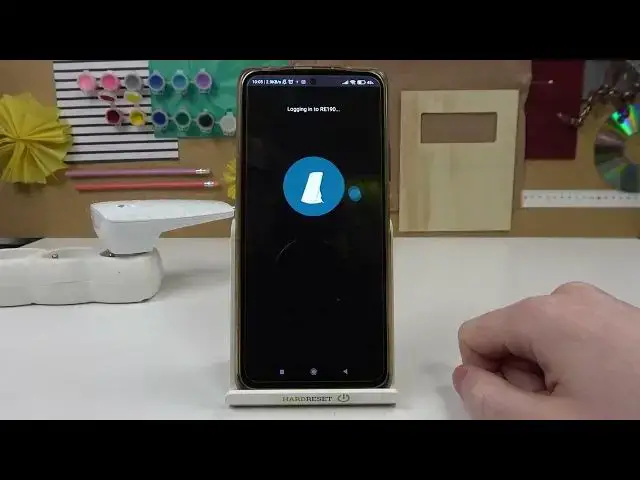

How to Factory Reset TP-LINK RE190 Wi-Fi Extender - Use TP-Link Tether App to Reset WiFi Expander
Apr 5, 2024

Find out more info about TP-LINK RE190: https://www.hardreset.info/devices/tp-link/tp-link-re190/
In this video, I will show you how to reset all the settings on the TP-LINK RE190 Wi-Fi Range Extender using just your smartphone with the TP-Link Tether app installed on it. It is very useful to reset the TP-LINK RE190 Wi-Fi Range Extender via the app because you will not need to reach physically to the reset button on the TP-LINK RE190 Wi-Fi Range Extender cover.
Follow us on Instagram ► https://www.instagram.com/hardreset.info
Like us on Facebook ► https://www.facebook.com/hardresetinfo/
Tweet us on Twitter ► https://twitter.com/HardResetI
Support us on TikTok ► https://www.tiktok.com/@hardreset.info
Use Reset Guides for many popular Apps ► https://www.hardreset.info/apps/apps/
How to reset TP-LINK RE190 Wi-Fi Range Extender with the mobile app? How to restore default settings on TP-LINK RE190 Wi-Fi Range Extender?
#TP-Linkre190 #tplinkwifi #tplinkextender
Show More Show Less #Consumer Electronics
#Networking
#Mobile & Wireless