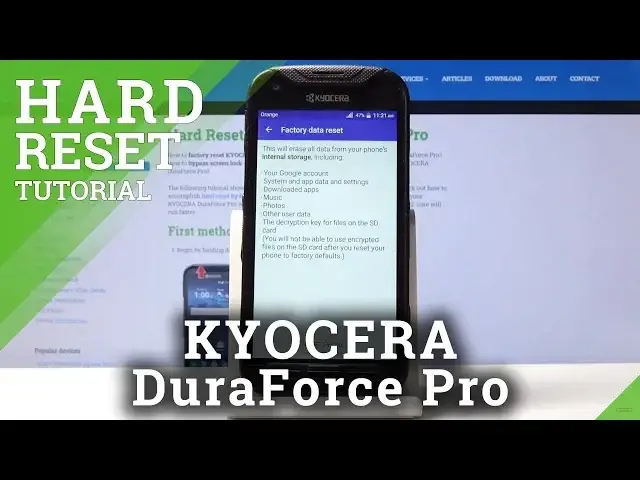

How to Factory Reset Kyocera DuraForce Pro - Wipe Data Tutorial
May 22, 2024

Read more info about Kyocera DuraForce Pro:
https://www.hardreset.info/devices/kyocera/kyocera-duraforce-pro/
We are coming to present how to erase the storage of Kyocera DuraForce Pro. If you would like to format your Kyocera device, stay with us to learn how to get access settings menu and factory reset Kyocera DuraForce Pro easily. Let’s use the attached tutorial to erase all content and customized settings in your Kyocera smartphone. Remember that operation will erase everything that is stored on your device and the changes will be irreparable.
How to factory reset Kyocera DuraForce Pro? How to master reset Kyocera DuraForce Pro? How to wipe data in Kyocera DuraForce Pro? How to erase everything from Kyocera DuraForce Pro? How to remove passwords from Kyocera DuraForce Pro? How to unlock Kyocera DuraForce Pro? How to unlock screen lock in Kyocera DuraForce Pro? How to remove screen lock on Kyocera DuraForce Pro?
Follow us on Instagram ► https://www.instagram.com/hardreset.info
Like us on Facebook ► https://www.facebook.com/hardresetinfo/
Tweet us on Twitter ► https://twitter.com/HardResetI
Show More Show Less