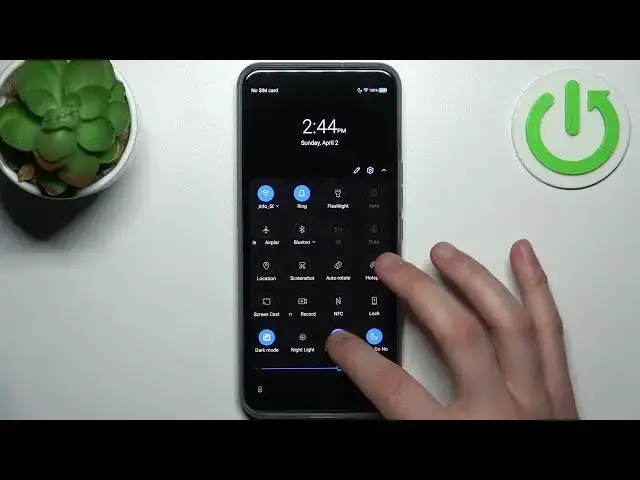

How to Enter the Power Saving Mode on a ZTE Axon 20 5G - Decrease Power Consumption
Mar 19, 2024

Learn more about the ZTE Axon 20 5G: https://www.hardreset.info/devices/zte/zte-axon-20-5g/tutorials/
In this video, we'll show you how to turn on the battery saver on your ZTE Axon 20 5G to help you get the most out of your phone's battery life. With the battery saver feature, you can extend your phone's battery life by limiting background activity and reducing power consumption. We'll guide you through the steps to activate the battery saver and show you some tips and tricks on how to get the most out of this feature. So if you want to conserve your battery life on your ZTE Axon 20 5G, be sure to watch this video!
How to turn on the battery saver on a ZTE Axon 20 5G? How to enable the low power mode on a ZTE Axon 20 5G? How to reduce battery usage on a ZTE Axon 20 5G? How to make ZTE Axon 20 5G phone work longer from one charging?
#ZTEAxon205G #PowerSavingMode #ZTEBattery
Follow us on Instagram ► https://www.instagram.com/hardreset.info
Like us on Facebook ►
https://www.facebook.com/hardresetinfo/
Tweet us on Twitter ► https://twitter.com/HardResetI
Support us on TikTok ► https://www.tiktok.com/@hardreset.info
Use Reset Guides for many popular Apps ► https://www.hardreset.info/apps/apps/
Show More Show Less