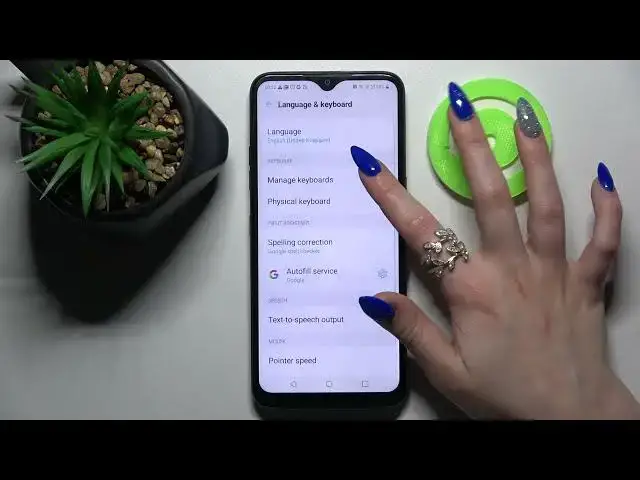

How to Enter Text Correction Settings on LG K41S – Text Correction Feature
Apr 7, 2024

Сheck more info about LG K41S:
https://www.hardreset.info/devices/lg/lg-k41s/
Hi there! It's worth noting that the feature that makes it easier to type words is enabled by default on your LG K41S. You will need to turn it on only if you turned it off yourself and forgot the procedure, or someone else did it, for example, the previous owner of the device. Therefore, if you don’t know how to enable this cool feature on your LG K41S, then open our video guide and follow the instructions of our Specialist! For more information visit our HardReset.info YT channel and discover many useful tutorials for LG K41S.
How to Activate Text Correction Option on LG K41S?
How to Enable Text Correction Option on LG K41S?
How to Use Auto-Correction Option on LG K41S?
#TextCorrection #TextAutoCorrect #KeyboardSettings
Follow us on Instagram ► https://www.instagram.com/hardreset.info
Like us on Facebook ► https://www.facebook.com/hardresetinfo/
Tweet us on Twitter ► https://twitter.com/HardResetI
Support us on TikTok ► https://www.tiktok.com/@hardreset.info
Use Reset Guides for many popular Apps ► https://www.hardreset.info/apps/apps/
Show More Show Less