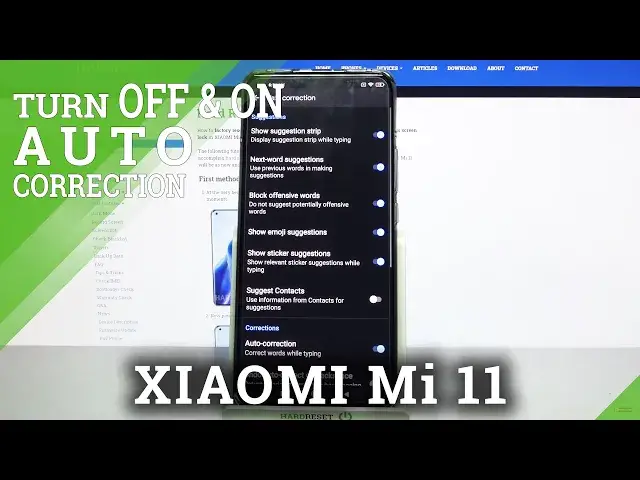

How to Enter Text Correction Options in XIAOMI Mi 11 – Find Text Correction Options
Jul 13, 2024

Learn more info about XIAOMI Mi 11:
https://www.hardreset.info/devices/xiaomi/xiaomi-mi-11/
If you want to write on the keyboard of your XIAOMI Mi 11 very quickly and not have to worry about linguistic errors and typos, you should find out where all the text correction options are and activate the ones that will help you write freely on this device. Follow our instructions and find out where the keyboard settings are located, and then easily locate options such as next-word suggestions, block offensive words, auto-corrections, auto-capitalization and much more.
How to activate auto correction in XIAOMI Mi 11? How to use auto correction in XIAOMI Mi 11? How to turn on auto correct in XIAOMI Mi 11? How to turn off auto correct in XIAOMI Mi 11? How to switch from auto correct to normal keyboard in XIAOMI Mi 11? How to enable auto correction in XIAOMI Mi 11? How to switch off auto correction in XIAOMI Mi 11? How to use text correction option on XIAOMI Mi 11? How to activate text correction option on XIAOMI Mi 11? How to use text correction on XIAOMI Mi 11?
Follow us on Instagram ► https://www.instagram.com/hardreset.info
Like us on Facebook ► https://www.facebook.com/hardresetinfo/
Tweet us on Twitter ► https://twitter.com/HardResetI
Show More Show Less