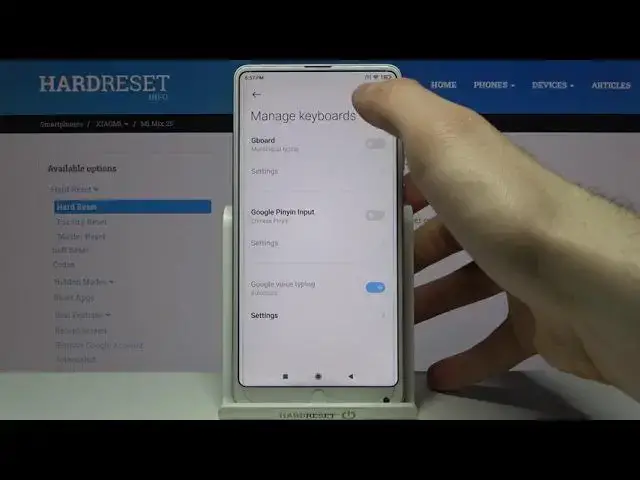

How to Enable Autocorrection on XIAOMI Mi Mix 2S – Turn On Autocorrection
Jul 13, 2024

Learn more info about XIAOMI Mi Mix 2S: https://www.hardreset.info/devices/xiaomi/xiaomi-mi-mix-2s/
If you want your XIAOMI Mi Mix 2S to automatically correct all spelling errors and typos, you should activate the auto-correction feature. Follow our instructions and find all the text correction options, then easily activate the autocorrection. Thanks to this, all your language errors will be recognized and automatically corrected, and you will be able to freely write texts on the keyboard in your beloved smartphone.
How to activate auto correction in XIAOMI Mi Mix 2S? How to use auto correction in XIAOMI Mi Mix 2S? How to turn on auto correct in XIAOMI Mi Mix 2S? How to turn off auto correct in XIAOMI Mi Mix 2S? How to switch from auto correct to normal keyboard in XIAOMI Mi Mix 2S? How to enable auto correction in XIAOMI Mi Mix 2S? How to switch off auto correction in XIAOMI Mi Mix 2S? How to use text correction option on XIAOMI Mi Mix 2S? How to activate text correction option on XIAOMI Mi Mix 2S? How to use text correction on XIAOMI Mi Mix 2S? How to adjust text correction on XIAOMI Mi Mix 2S?
#Autocorrection #TextCorrectionOptions #XIAOMIMiMix2S
Follow us on Instagram ► https://www.instagram.com/hardreset.info
Like us on Facebook ► https://www.facebook.com/hardresetinfo/
Tweet us on Twitter ► https://twitter.com/HardResetI
Support us on TikTok ► https://www.tiktok.com/@hardreset.info
Use Reset Guides for many popular Apps ► https://www.hardreset.info/apps/apps/
Show More Show Less