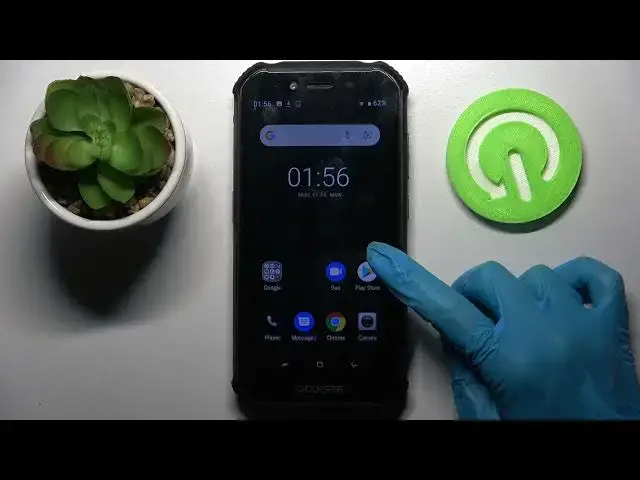

How to Enter Split Screen on DOOGEE S40 – Make Screen Dual
Apr 9, 2024

Check more info about DOOGEE S40:
https://www.hardreset.info/devices/doogee/doogee-s40/
Hi there! Did you know that your DOOGEE S40 has a feature that splits the phone screen in half and you can use two applications at the same time? If you don’t know how to do it, then don’t worry, our Specialist will show you how to do it in the video tutorial attached above. So, open our video guide and follow the actions of our Specialist to successfully and quickly split your DOOGEE S40 screen into two parts and use your DOOGEE S40 to the maximum. So, let’s get started! For more information visit our HardReset.info YT channel and discover many useful tutorials for DOOGEE S40.
How to Create a Double App Screen on DOOGEE S40?
How to Use Dual Screen in DOOGEE S40?
How to Use Two Apps on One Screen on DOOGEE S40?
#DoubleAppScreen #SplitScreen #DoogeeS40
Follow us on Instagram ► https://www.instagram.com/hardreset.info
Like us on Facebook ► https://www.facebook.com/hardresetinfo/
Tweet us on Twitter ► https://twitter.com/HardResetI
Support us on TikTok ► https://www.tiktok.com/@hardreset.info
Use Reset Guides for many popular Apps ► https://www.hardreset.info/apps/apps/
Show More Show Less