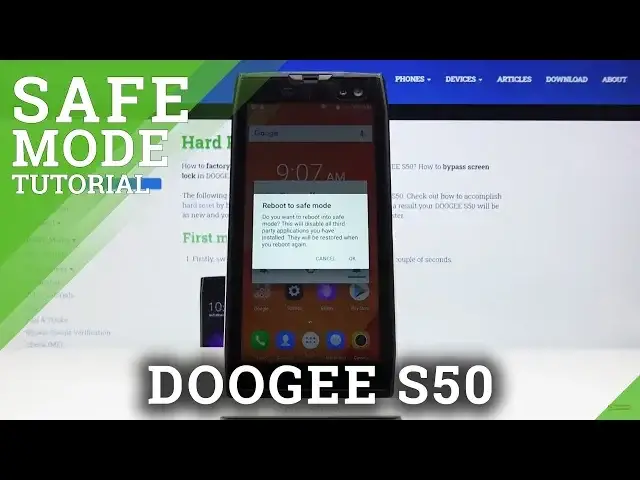

How to Enter Safe Mode in DOOGEE S50 – Inactivate Third-party Apps
May 15, 2024

Learn more info about DOOGEE S50: https://www.hardreset.info/devices/DOOGEEe/DOOGEEe-s50/
If you’d noticed that your DOOGEE S50 crushes or has some unidentified problem, let’s watch our tutorial which will help you! In this video we are showing you how easily you can get into the safe mode. This useful feature will let you run your device without third-party apps. Thanks to this you’ll stay only with the system ones and you’ll be able to diagnose which one causes problems with your device.
How to get access to safe mode in DOOGEE S50? How to open safe mode in DOOGEE S50? How to boot safe mode in DOOGEE S50? How to quit safe mode in DOOGEE S50? How to exit safe mode in DOOGEE S50?
Follow us on Instagram ► https://www.instagram.com/hardreset.info
Like us on Facebook ► https://www.facebook.com/hardresetinfo/
Tweet us on Twitter ► https://twitter.com/HardResetI
Show More Show Less