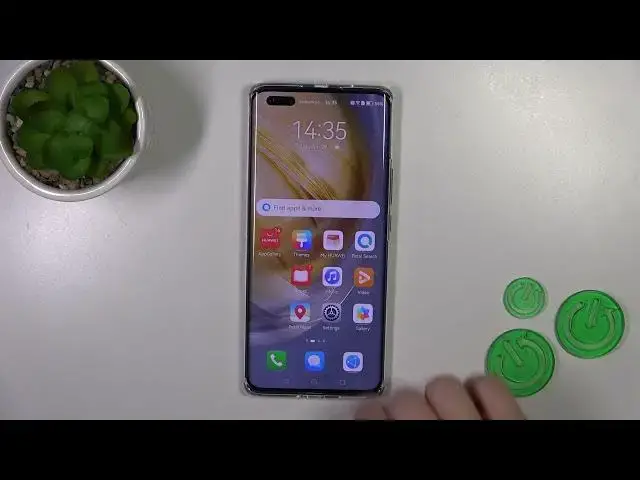

How to Enable/Disable Assistant Today on HUAWEI Nova 11 Pro? - Customize Assistant Today
Aug 3, 2024

Learn more about HUAWEI Nova 11 Pro
https://www.hardreset.info/devices/huawei/huawei-nova-11-pro/tutorials/
In this tutorial video, we will guide you on how to enable or disable the Assistant Today feature on your HUAWEI Nova 11 Pro. The Assistant Today feature provides quick access to useful information and personalized recommendations right on your home screen. Whether you want to stay updated with the latest news, weather updates, or your favorite apps, enabling or disabling Assistant Today is a simple process. Follow our step-by-step instructions to customize this feature according to your preferences.
How to Enable Assistant Today on HUAWEI Nova 11 Pro?
How to Disable Assistant Today on HUAWEI Nova 11 Pro?
How to customize Assistant Today on HUAWEI Nova 11 Pro?
How to manage Assistant Today settings on HUAWEI Nova 11 Pro?
#AssistantToday #HUAWEINova11Pro #CustomizeAssistant
Follow us on Instagram ► https://www.instagram.com/hardreset.info
Like us on Facebook ► https://www.facebook.com/hardresetinfo/
Tweet us on Twitter ► https://twitter.com/HardResetI
Support us on TikTok ► https://www.tiktok.com/@hardreset.info
Use Reset Guides for many popular Apps ► https://www.hardreset.info/apps/apps/
Show More Show Less