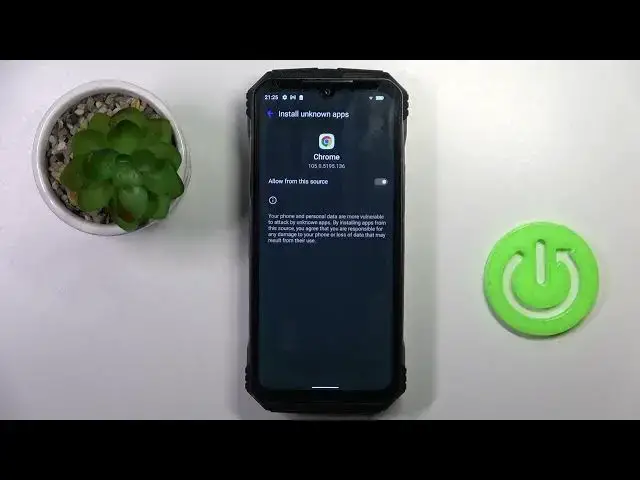

How to Enable Unknown Sources on Doogee V Max? Install APPs from APK Files & Unofficial Sources!
Mar 18, 2024

Continue reading: https://www.hardreset.info/devices/doogee/doogee-v-max/tutorials/
Welcome on our channel! Enabling Unknown Sources on your Doogee V Max allows you to install applications from sources other than the official app store. To enable Unknown Sources, go to the Settings menu on your Doogee V Max. Scroll down and tap on "Security." Look for the option called "Unknown Sources" or "Install unknown apps." Tap on it and toggle the switch to enable it. You will see a warning message, but you can proceed by confirming your choice. Now you can install apps from third-party sources on your Doogee V Max.
How to activate Unknown Sources on Doogee V Max smartphone?
How to enable Unknown Sources on Doogee V Max phone?
How to turn on Unknown Sources on Doogee V Max?
#Doogee #VMax #UnknownSources
Follow us on Instagram ► https://www.instagram.com/hardreset.info
Like us on Facebook ► https://www.facebook.com/hardresetinfo/
Tweet us on Twitter ► https://twitter.com/HardResetI
Support us on TikTok ► https://www.tiktok.com/@hardreset.info
Use Reset Guides for many popular Apps ► https://www.hardreset.info/apps/apps/
Show More Show Less