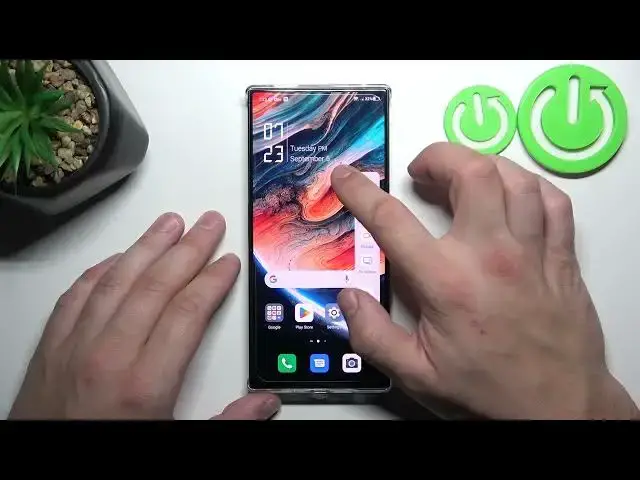

How to Enable Smart Sidebar on ZTE Nubia Red Magic 8 Pro
Aug 4, 2024

Find out more info about ZTE Nubia Red Magic 8 Pro:
https://www.hardreset.info/devices/zte/zte-nubia-red-magic-8-pro/tutorials/
Unlock the full potential of your ZTE Nubia Red Magic 8 Pro by enabling the Smart Side Bar feature. That amazing feature offers quick access to various functions and shortcuts, enhancing your user experience. We will activate this useful feature on your phone, making your daily tasks more efficient and enjoyable.
How to enable smart sidebar on ZTE Nubia Red Magic 8 Pro? How to show smart sidebar on ZTE Nubia Red Magic 8 Pro? How to turn on smart sidebar on ZTE Nubia Red Magic 8 Pro?
#EnableSmartSidebar #DisableSmartSidebar #ZTENubiaRedMagic8Pro
Follow us on Instagram ► https://www.instagram.com/hardreset.info
Like us on Facebook ► https://www.facebook.com/hardresetinfo/
Tweet us on Twitter ► https://twitter.com/HardResetI
Support us on TikTok ► https://www.tiktok.com/@hardreset.info
Use Reset Guides for many popular Apps ► https://www.hardreset.info/apps/apps/
Show More Show Less