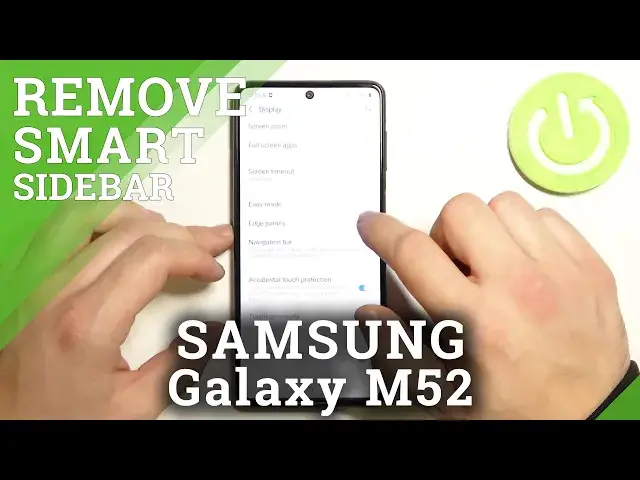

How to Enable Smart Side Bar on SAMSUNG Galaxy M52 - Hide Smart Side Bar
Jul 4, 2024

Find out more info about SAMSUNG Galaxy M52:
https://www.hardreset.info/devices/samsung/samsung-galaxy-m52/
Hi! If you have a lot of apps on your SAMSUNG Galaxy M52 5G, sometimes it takes a while to find what you need, right? You should try the Edge panel on your Galaxy device. Thanks to this feature, you will access your favorite apps and content very quickly. Follow our steps and enable smart side bar on your SAMSUNG Galaxy M52 5G and find out how to customize this amazing panel. If you want to know how to hide the side bar, we'll show you how to do it successfully.
How to remove the smart sidebar in SAMSUNG Galaxy M52? How to remove sidebar in SAMSUNG Galaxy M52? How to delete sidebar in SAMSUNG Galaxy M52? How to turn off sidebar in SAMSUNG Galaxy M52? How to get rid of sidebar in SAMSUNG Galaxy M52? to hide sidebar in SAMSUNG Galaxy M52? How to turn off sidebar in SAMSUNG Galaxy M52? How to switch off sidebar in SAMSUNG Galaxy M52? How to show edge panel in SAMSUNG Galaxy M52?
#Sidebar #EdgePanel #SAMSUNGGalaxyM52
Follow us on Instagram ► https://www.instagram.com/hardreset.info
Like us on Facebook ► https://www.facebook.com/hardresetinfo/
Tweet us on Twitter ► https://twitter.com/HardResetI
Support us on TikTok ► https://www.tiktok.com/@hardreset.info
Use Reset Guides for many popular Apps ► https://www.hardreset.info/apps/apps/
Show More Show Less