0:00
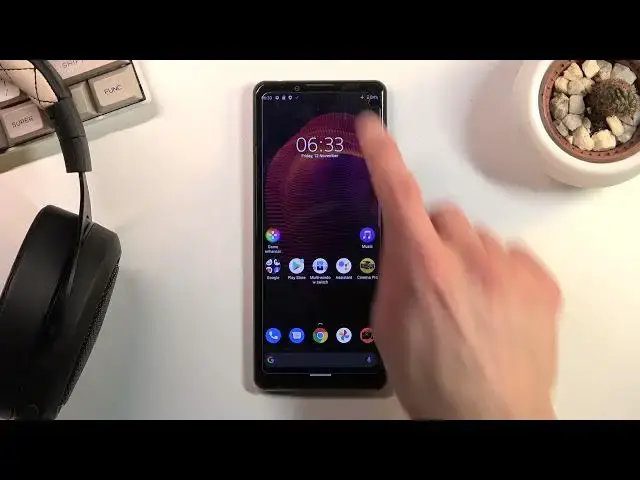
Welcome, I'm Filomena Sassoni, Xperia 5 Mark III and today I'll show you how to enable
0:13
the power saving mode. Now to get started simply pull down your notification panel and locate the toggle which for me looks
0:19
to be right over here. Now it is called simply stamina mode so you can tap on it and this will tell you that
0:26
you can turn on stamina mode as a question. Stamina mode turns off or restricts background activities, some visual effects and other
0:34
high-powered features to extend battery life. So it's not the most good explanation of what the hell it does
0:44
So just turn it on and you will be able to see some of those effects. So number one, brightness
0:49
Let's see, is it dropped? I think it is dropped just a bit
0:53
So that's one of the things. Number two, you have enabled the dark mode
0:57
Number three, if you have high refresh rate on this device, which I actually don't remember
1:01
if there is one. Let me check. Advanced and we have, I actually don't see it
1:13
Oh, there it is. So as you can see it is right now disabled
1:19
So it turns off high refresh rate. So if you were running before at 120 Hz, now it's just back to 60 Hz and you can't really
1:28
change that. So that's some of the things that you can actually see being changed and there's also
1:33
some other ones that you kind of cannot. So let's go into those
1:38
Wi-Fi and mobile data will be turned off automatically when the device is not being used
1:43
So once the phone goes into sleep mode, which is this kind of state where you lock it and
1:48
don't use it, it goes into sleep mode and then disconnects from both of them to preserve
1:52
battery life. Now, this doesn't really sound like such a big deal, but it will result in you basically
1:58
not having any kind of internet connection as long as you're not really using the device
2:02
And because of that, you won't really receive any kind of updates from applications that
2:06
require internet connection, like Messenger, Twitter, and so on. So if you're not receiving any kind of notifications, stuff like that, where you would normally
2:18
do, then that is basically the reason for it. So there we go
2:24
Those are probably some of the things that were kind of important to some people, so I decided to mention them
2:30
And to everybody else that want to basically prioritize battery life even further, past
2:35
the things that the stamina mode turns on, you can do some things yourself, like lowering
2:41
the max brightness. Lowering it by half of what it is will yield you several additional hours of battery life
2:48
Turning off unused features of the device, like location, will yield you some battery life
2:54
NFC, if you have it on, wherever it is. I don't actually see NFC
3:01
So yeah, if you're planning to use Wi-Fi or mobile data, pick one, turn off the other
3:06
one, as long as you're using your device, you will have benefit from just using one instead
3:10
of having two of them. And yeah, that's basically all the toggles I can see right here that we can fiddle around
3:18
with to get more battery life. Once you're done with this mode, you can simply tap on the toggle once again to make it go
3:25
back to normal. And voila, we're back in normal mode. So if you found this very helpful, don't forget to hit like, subscribe, and thanks for watching