0:00
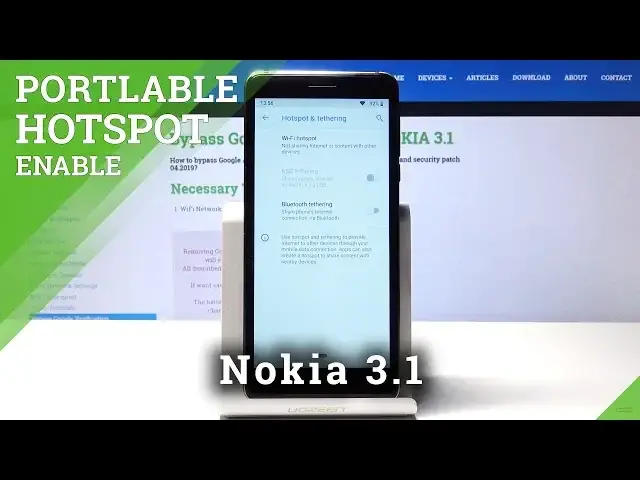
Welcome! Ed Von is at Nokia 3.1 and I'll show you how to enable the portable hotspot on
0:12
this device. So to get started pull down the notification bar to get into the
0:17
toggles right here and there it should be visible here portable hotspot. See
0:28
it will be disabled yep it's right here. So you can either drag it and drop it on here
0:35
to get an additional toggle with a quicker access to it so it will be right here oh wait
0:42
right here okay so as you can see and you can toggle it on and off once it's set up and to get
0:49
into settings just hold the toggle like so and you get dropped straight into the settings of this
0:54
option so tap on here portable hotspot and enable it which would be basically what the toggle does
1:00
but you can also here set up the name so you can change the name of it 3.1 Nokia seems fine enough
1:07
security I'll keep it and then the password you can set up your own password to make it
1:12
more convenient so for instance I'm gonna set up just some completely simple password
1:20
okay and once that's ready you can leave this for instance I'll close it and now we can actually
1:28
enable it like so and I'm gonna take my phone right here just to bring it into the view
1:36
enable wi-fi let's see let's put that on the view and it's visible right here which I can put the
1:49
super complex password in and connect and I'll be able to use this device's network on my other
1:57
phone for instance just to share it although this there is no sim card so there won't be any
2:02
actual network here that's why there's an exclamation mark but that's how you would do it
2:08
and if you want to disable it because for instance you're done sharing it and you don't need it
2:13
anymore it will consume a little bit more battery so just tap on it to disable it and now it's off
2:20
that is basically the simple way to enable and disable and also set it up now if you found this video helpful don't forget to hit like subscribe and thank you for watching