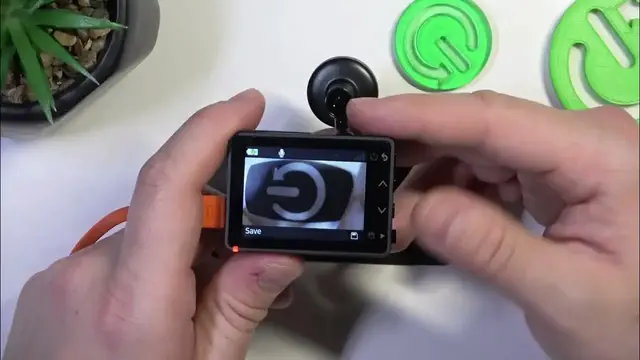

How to Enable or Disable Audio Recording on Your Garmin Dash Cam 57
Jan 17, 2024

Find out more: https://www.hardreset.info/devices/
Join us as we delve into the functionalities of the Garmin Dash Cam 57, focusing on its audio recording capabilities. In this video, we explore the simple yet impactful process of enabling or disabling audio recording. Whether you're looking to capture every sound of your journey for complete documentation or seeking a more discreet recording experience, this guide has got you covered. We'll discuss the benefits and considerations of each setting, helping you make an informed decision based on your privacy needs and documentation requirements. Perfect for both new and experienced users of Garmin Dash Cam 57, this video is your go-to resource for customizing your dash cam to suit your unique preferences. Don't forget to hit subscribe for more insightful content on maximizing your Garmin Dash Cam 57's potential!
Hashtags:
#GarminDashCam57
#AudioRecordingFeature
#DashCamCustomization
Questions for Engagement:
How to enable audio recording on your Garmin Dash Cam 57 for comprehensive documentation?
How to disable audio capture on the Garmin Dash Cam 57 for privacy reasons?
How does the audio recording feature enhance the functionality of your dash cam footage?
How to navigate the settings menu to adjust audio recording options on the Garmin Dash Cam 57?
How to troubleshoot issues when changing audio recording settings on the Garmin Dash Cam 57?
Follow us on Instagram ► https://www.instagram.com/hardreset.info
Like us on Facebook ► https://www.facebook.com/hardresetinfo/
Tweet us on Twitter ► https://twitter.com/HardResetI
Support us on TikTok ► https://www.tiktok.com/@hardreset.info
Use Reset Guides for many popular Apps ► https://www.hardreset.info/apps/apps/
Show More Show Less