0:00
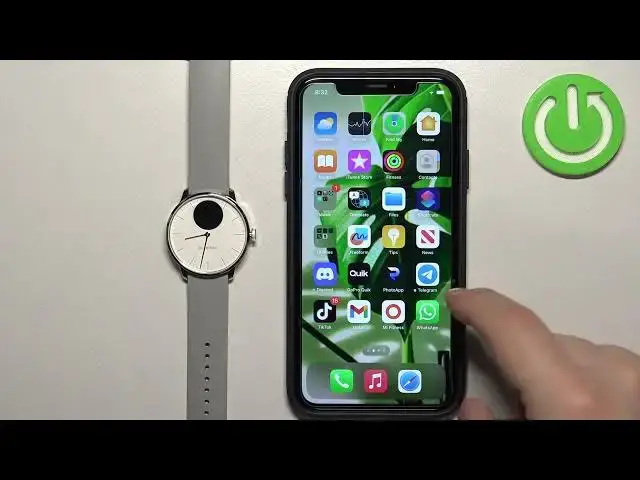
Welcome! In front of me I have Wiffing's ScanWatch Lite and I'm gonna show you how to enable the
0:05
phone notifications for this watch on the iPhone. Basically if you want to receive the notifications
0:10
from your iPhone on your watch. Before we start, if you want to receive the notifications from
0:19
your iPhone on your watch, your watch needs to be paired with your iPhone via the Wiffing's
0:23
Healthmate application. Once the devices are paired together we can continue. And now we
0:29
need to make sure that the required permissions are allowed for the Wiffing's Health application
0:33
and your iPhone to send the notifications to your watch. So let's open the settings on our watch
0:38
or rather on our iPhone, my bad. In the settings find the Bluetooth option and tap on it. And here
0:46
you may see the, or rather you should see, ScanWatch Lite, the F watch. Once you see it
0:51
tap on the info icon next to it and right here there should be an option called
0:56
Share System Notifications. If it's not here, close the settings for now. Open the Wiffing's Health application
1:06
Tap on the device icon right here in the top right corner. You should see your ScanWatch Lite
1:11
on this page. Wait until it's done synchronizing, then tap on Notifications. Turn on the notifications
1:19
and once you see this pop-up on the screen, tap on Allow
1:26
And now we can close the app for now. Reopen the settings, go to Bluetooth
1:33
tap on the ScanWatch Lite BF, or rather the info next to it, and make sure that the Share System
1:38
Notifications is enabled. Once this option is enabled, go back, scroll down, find the Wiffing's
1:45
Health Mate application on the list, tap on it, and here make sure that the Bluetooth option is
1:50
enabled. And once it is, close the settings, open the Wiffing's Health Mate application
1:56
tap on the device icon, wait until the watch connects with your phone, tap on Notifications
2:03
and make sure that the notifications are enabled. And after you turn them on, you will see the list
2:09
of applications on your iPhone and you can enable and disable notifications for specific apps. And
2:16
how it works is basically if you enable notifications, for example, for WhatsApp
2:22
and receive the notification from WhatsApp on your iPhone, the notification will be forwarded
2:27
to your watch. If you disable it, it won't be forwarded to your watch, so you will see it only
2:31
on your iPhone. Now let me check if I have Discord on my iPhone. I do, so it should be right here on
2:40
the list. Let's refresh it, maybe that's gonna help. It didn't. One option I can consider is to
2:53
basically send myself a message for the notification to arrive. Okay, so I'm logged in
2:57
I'm gonna send myself a message. Okay, we got the notification. Now let's reopen the Wiffing's
3:10
Health Mate and check if the Discord appeared on the list. And it did. So basically how it works
3:18
is if you're missing apps on the list right here, wait until you receive notifications from them on
3:24
your iPhone and then they will appear on the list. And once they do, you can enable the notifications
3:29
for that app if you want to. And now I'm gonna send myself another message. As you can see
3:38
we got it on our iPhone and also on our watch. And that's how you enable default notifications
3:45
for this watch on the iPhone. Thank you for watching. If you found this video
3:49
helpful, please consider subscribing to our channel and leaving a like on the video