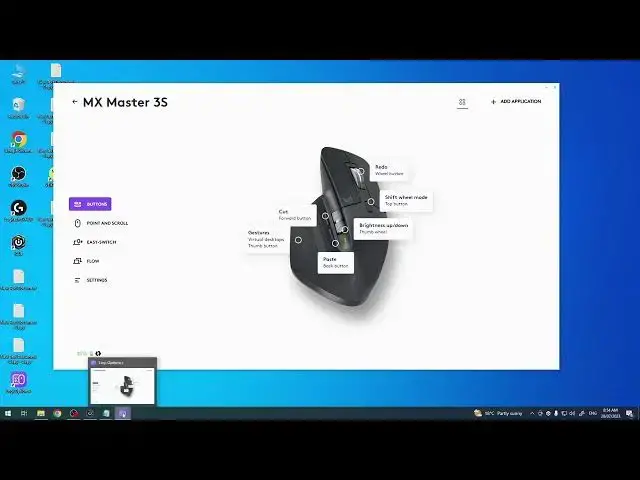

How To Enable & Disable Free Wheel Spin On Logitech Mx Master 3S
Aug 3, 2024

Find out more: https://www.hardreset.info/
In this tutorial, we'll demonstrate how to enable and disable the free wheel spin feature on the Logitech MX Master 3S mouse. The free wheel spin mode allows you to scroll through documents and web pages with a smooth and fast spin of the scroll wheel, while the regular mode provides a more controlled scrolling experience. Whether you prefer the fast-paced navigation or the traditional scrolling, we'll guide you step-by-step on how to switch between the two modes on your MX Master 3S mouse. Unlock the full potential of your Logitech mouse and customize your scrolling experience to suit your preferences.
How to enable free wheel spin on Logitech MX Master 3S
Disable free wheel scrolling Logitech MX Master 3S
Logitech MX Master 3S mouse free spin mode
How to switch between free wheel and regular scrolling
MX Master 3S scroll wheel settings
Customize scrolling on Logitech MX Master 3S
Logitech MX Master 3S scroll mode options
Logitech mouse scroll wheel speed settings
#logitech #logitechmouse #officework
Follow us on Instagram ► https://www.instagram.com/hardreset.info
Like us on Facebook ► https://www.facebook.com/hardresetinfo/
Tweet us on Twitter ► https://twitter.com/HardResetI
Support us on TikTok ► https://www.tiktok.com/@hardreset.info
Use Reset Guides for many popular Apps ► https://www.hardreset.info/apps/apps/
Show More Show Less