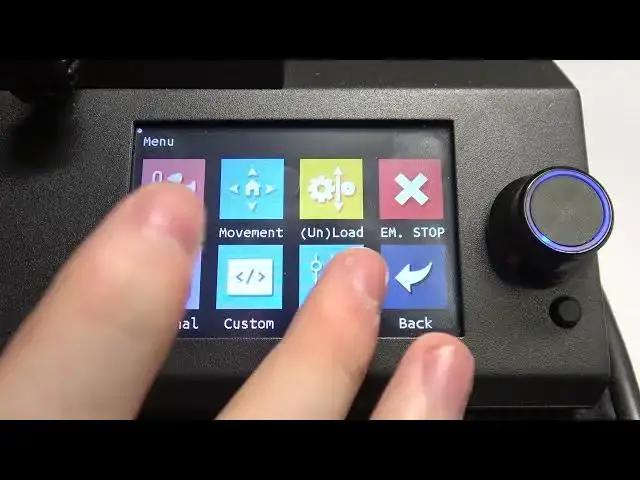

How To Enable & Disable Files View List Mode BIQU B1
Mar 15, 2024

For More Information Visit Our Website : https://www.hardreset.info
In this video tutorial, we walk you through the process of enabling and disabling the files view list mode on the BIQU B1 3D printer. The files view list mode provides a convenient way to navigate and manage your 3D printing files directly from the printer's interface.
Enabling files view list mode on BIQU B1
Disabling files view list mode on BIQU B1
How to switch to list view on BIQU B1
Navigating files view settings on BIQU B1
Accessing menu settings for files view mode on BIQU B1
Customizing view mode options on BIQU B1
List view vs. thumbnail view on BIQU B1
Managing file navigation on BIQU B1 3D printer
Changing view modes on BIQU B1 files view
Optimizing file management on BIQU B1 with list view
Enhancing workflow with files view list mode on BIQU B1
Configuring BIQU B1 for efficient file browsing
#BIQU #3dprinter #3dprinting
Follow us on Instagram ► https://www.instagram.com/hardreset.info
Like us on Facebook ► https://www.facebook.com/hardresetinfo/
Tweet us on Twitter ► https://twitter.com/HardResetI
Show More Show Less