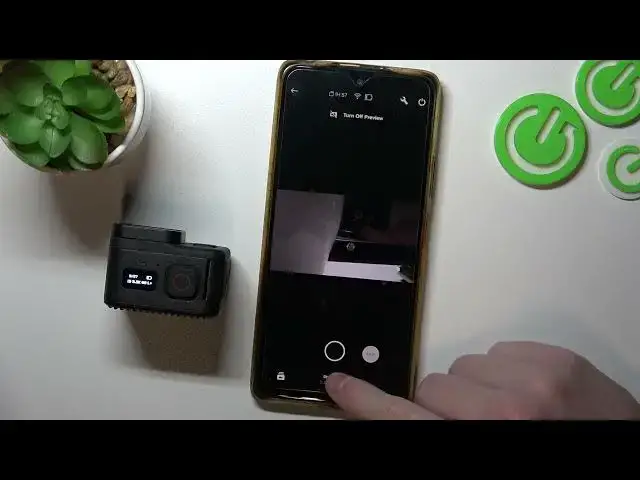

How to Enable & Disable 10 Bit on GoPro Hero 11 Black Mini?
Jul 24, 2024

If you are looking for more info check our website: https://www.hardreset.info/
Enabling or disabling 10-bit mode on your GoPro Hero 11 Black Mini is a simple and straightforward process that you can do in just a few steps. By enabling 10-bit mode, you can capture photos and videos with a higher dynamic range and more color depth, which can be useful for capturing scenes with a wide range of brightness and color. Keep in mind that 10-bit mode will result in larger file sizes and lower frame rates, so it is best to use it only when necessary.
How to Activate 10 Bit on GoPro Hero 11 Black Mini? How to Block 10 Bit on GoPro Hero 11 Black Mini? How to Turn On 10 Bit on GoPro Hero 11 Black Mini? How to Switch On 10 Bit on GoPro Hero 11 Black Mini? How to Block 10 Bit on GoPro Hero 11 Black Mini? How to Switch Off 10 Bit on GoPro Hero 11 Black Mini?
#goprohero11blackmini #goprohero11black #goprohero11
Follow us on Instagram ► https://www.instagram.com/hardreset.info
Like us on Facebook ► https://www.facebook.com/hardresetinfo/
Tweet us on Twitter ► https://twitter.com/HardResetI
Support us on TikTok ► https://www.tiktok.com/@hardreset.info
Use Reset Guides for many popular Apps ► https://www.hardreset.info/apps/apps/
Show More Show Less