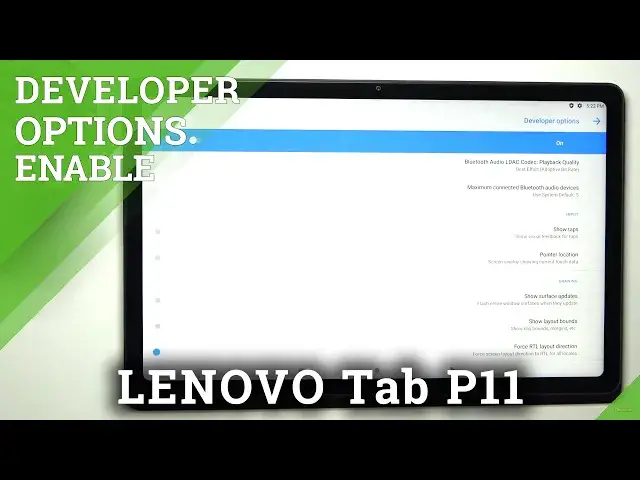

How to Enable Developer Options in Lenovo Tab P11 - Boot Manufacturer Panel
Jul 11, 2024

Learn more: https://www.hardreset.info/devices/lenovo/lenovo-tab-p11/
Let's check out how to boot Developer Mode in Lenovo Tab P11. If you want to access the developer settings on your Xiaomi device, please refer to the instructions above to use a simple trick to activate the developer functions on Lenovo Tab P11. Follow the tutorial provided to learn how to allow OEM unlocking and / and USB debugging with SONY developer functions.
How to activate Developer Options in Lenovo Tab P11? How to activate Developer Options in Lenovo Tab P11? How to unlock OEM in Lenovo Tab P11? How to enable USB Debugging in Lenovo Tab P11? How to allow Lenovo Tab P11 OEM to be unlocked? How to enable OEM unlocking in Lenovo Tab P11?
#ActivateDeveloperOptions #DeveloperMode #LenovoTabP11
Follow us on Instagram ► https://www.instagram.com/hardreset.info
Like us on Facebook ► https://www.facebook.com/hardresetinfo/
Tweet us on Twitter ► https://twitter.com/HardResetI
Support us on TikTok ► https://www.tiktok.com/@hardreset.info
Use Reset Guides for many popular Apps ► https://www.hardreset.info/apps/apps/
Show More Show Less