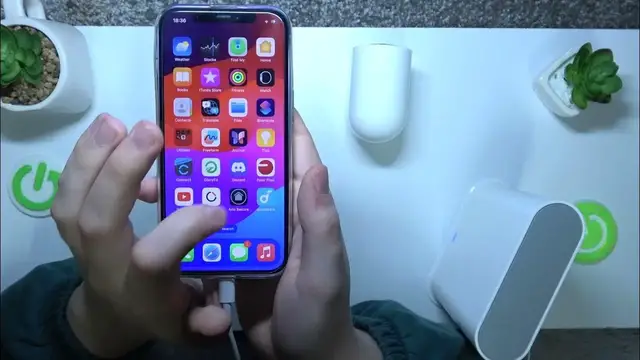

How to Enable Automatic HDR Feature on ARLO Pro 3
Mar 3, 2024

We invite you to visit our website and find out more about ARLO Pro 3: https://www.hardreset.info/devices/arlo/arlo-pro-3/
In this tutorial, discover how to enable the automatic HDR (High Dynamic Range) feature for your ARLO Pro 3 security camera. HDR enhances image quality by balancing exposure levels, ensuring clearer details in both bright and dark areas of your footage. We'll guide you through the steps to access the camera settings, locate the HDR option, and enable it for optimal video capture. With automatic HDR enabled, your ARLO Pro 3 camera will deliver sharper, more vibrant images, providing enhanced security and surveillance capabilities for your home or business. Join us to unlock the full potential of your ARLO Pro 3 camera with automatic HDR.
How to turn on the HDR effect for ARLO Pro 3? How to improve video colors in the ARLO Pro 3 camera? How to activate the HDR effect for video from the ARLO Pro 3 security camera?
#ARLOPro3 #ArloSecure #HDR
Follow us on Instagram ► https://www.instagram.com/hardreset.info
Like us on Facebook ► https://www.facebook.com/hardresetinfo/
Tweet us on Twitter ► https://twitter.com/HardResetI
Support us on TikTok ► https://www.tiktok.com/@hardreset.info
Use Reset Guides for many popular Apps ► https://www.hardreset.info/apps/apps/
Show More Show Less