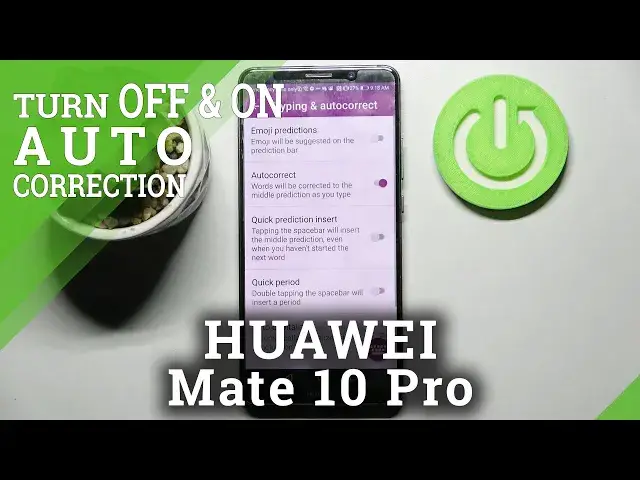

How to Enable Auto-Correction in Huawei Mate 10 Pro - Switch Off Predictive Text
Jul 5, 2024

Find out more about HUAWEI MATE 10 PRO: https://www.hardreset.info/devices/huawei/huawei-mate-10-pro/
Today, we would like to show you, step by step, how to access Text Correction Settings and Switch On or Off Auto-Correction on Huawei Mate 10 Pro! This option will predict the rest of the word that you are typing and correct it on the go. So, all you need to do is stick around and repeat all steps on your Huawei Device, to find out if this Typing Option works for you. Let’s begin!
How to Activate Autocorrection in HUAWEI MATE 10 PRO? How to Use Autocorrection in HUAWEI MATE 10 PRO? How to Turn On Autocorrect in HUAWEI MATE 10 PRO? How to turn Autocorrect Off in HUAWEI MATE 10 PRO? How to Switch from Autocorrection To Normal Keyboard in HUAWEI MATE 10 PRO? How to Switch On Auto-Correction in HUAWEI MATE 10 PRO? How to Switch Off Auto-Correction in HUAWEI MATE 10 PRO?
#HuaweiMate10Pro #EnableAutoCorrection #SwitchOffPredictiveText
Follow us on Instagram ► https://www.instagram.com/hardreset.info
Like us on Facebook ► https://www.facebook.com/hardresetinfo/
Tweet us on Twitter ► https://twitter.com/HardResetI
Support us on TikTok ►https://tiktok.com/@hardreset.info
Use Reset Guides for many popular Apps ► https://www.hardreset.info/apps/apps/
Show More Show Less