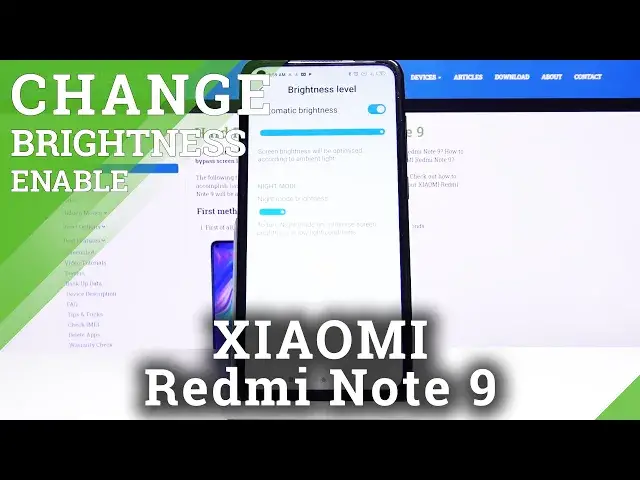

How to Enable Auto Brightness in XIAOMI Redmi Note 9 – Find Automatic Brightness Options
Jul 17, 2024

Learn more info about XIAOMI Redmi Note 9:
https://www.hardreset.info/devices/xiaomi/xiaomi-redmi-note-9/
Are you annoyed with manually changing the brightness in your XIAOMI Redmi Note 9? In this video we’d like to show you where you can find proper screen settings and how to change them in order to set automatic screen brightness. Thanks to this operation the screen in your device will adjust to light conditions around you and will automatically darken or lighten. Let’s follow all shown steps and successfully enable auto brightness.
How to enable automatic brightness in XIAOMI Redmi Note 9? How to enable adaptive brightness in XIAOMI Redmi Note 9? How to turn on auto brightness in XIAOMI Redmi Note 9? How to personalize brightness in XIAOMI Redmi Note 9? How to activate automatic brightness in XIAOMI Redmi Note 9?
Follow us on Instagram ► https://www.instagram.com/hardreset.info
Like us on Facebook ► https://www.facebook.com/hardresetinfo/
Tweet us on Twitter ► https://twitter.com/HardResetI
Show More Show Less