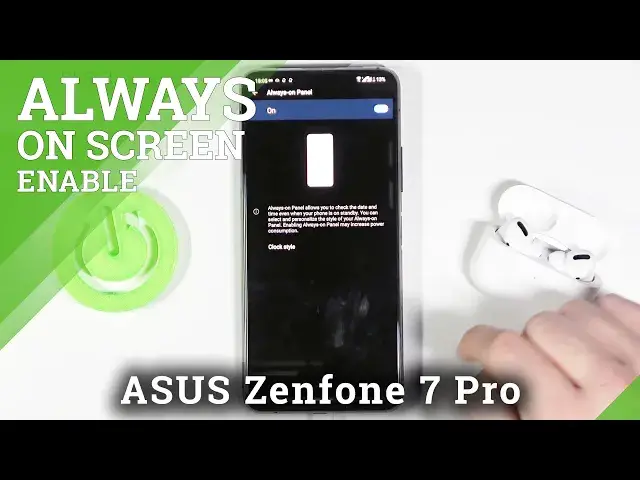

How to Enable Always on Display Option – ASUS Zenfone 7 Pro
Jul 14, 2024

Learn more info about ASUS Zenfone 7 Pro: https://www.hardreset.info/devices/asus/asus-zenfone-7-pro/
If you want some of your phone's data to always be in quick access, add them to the Lock Screen by setting up the Always On Display option. Thus, you'll be able to quickly read or check these features without the need to unlock your ASUS device (you may see options such as Time, Weather, Calendar, Date, and more). If you want to learn interesting news from the world of technology and not lose sight of us - subscribe to our account on other social networks, links to which we leave below!
How to Enable Always On Display on ASUS Zenfone 7 Pro? How to Activate Always On Display on ASUS Zenfone 7 Pro? How to Turn on Always On Display on ASUS Zenfone 7 Pro? How to Use Always on Display on ASUS Zenfone 7 Pro? How to Set Up Always On Display Feature on ASUS Zenfone 7 Pro? How to Launch Always On Display on ASUS Zenfone 7 Pro? How to customize the Lock Screen of ASUS Zenfone 7 Pro?
Follow us on Instagram ► https://www.instagram.com/hardreset.info/
Like us on Facebook ► https://www.facebook.com/hardresetinfo/
Tweet us on Twitter ► https://twitter.com/HardresetI/
Show More Show Less