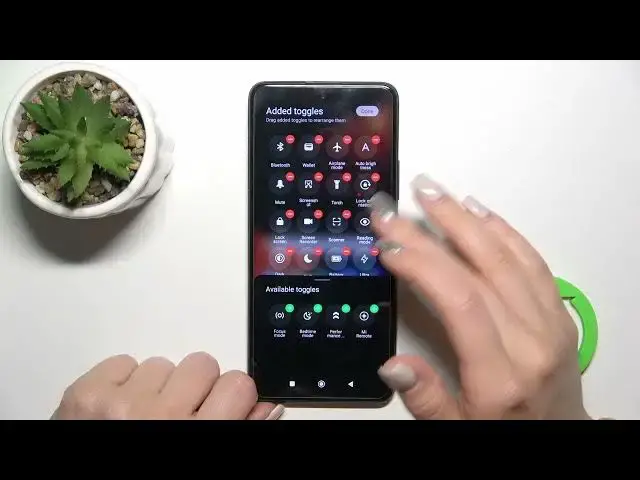

How to Edit Notification Panel Shortcuts on POCO X3 GT
Aug 2, 2024

Find out more info about POCO X3 GT at: https://www.hardreset.info/devices/xiaomi/xiaomi-poco-x3-gt/tutorials/
Using the notification panel shortcuts, you can quickly access your most frequently used settings and apps, making your device easier to use. In this video, we'll show you how to personalize your notification panel in POCO X3 GT by adding, removing, or rearranging the shortcuts to suit your preferences and needs.
How to edit notification panel shortcuts on POCO X3 GT? How to manage shortcuts notification panel on POCO X3 GT? How to set up notification panel shortcut on POCO X3 GT?
#NotificationPanel #NotificationPanelShortcurs #POCOX3GT
Follow us on Instagram ► https://www.instagram.com/hardreset.info
Like us on Facebook ► https://www.facebook.com/hardresetinfo/
Tweet us on Twitter ► https://twitter.com/HardResetI
Support us on TikTok ► https://www.tiktok.com/@hardreset.info
Use Reset Guides for many popular Apps ► https://www.hardreset.info/apps/apps/
Show More Show Less