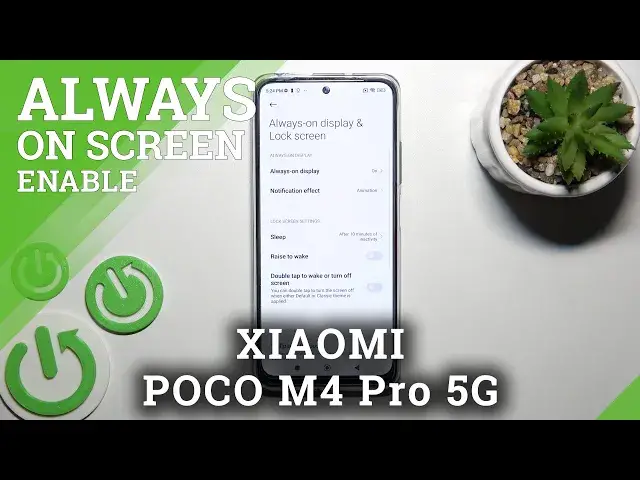

How to Disable Always On Display on XIAOMI Poco M4 Pro 5G – Turn Off AOD
Apr 6, 2024

Learn more about XIAOMI Poco M4 Pro 5G
https://www.hardreset.info/devices/xiaomi/xiaomi-poco-m4-pro-5g/
Hello, everyone! Have you ever noticed that such a convenient feature as Always On Display actually adversely affects the battery life of your phone? Don't forget to turn the XIAOMI Poco M4 Pro 5G off as soon as you can. This will save the battery life and keep the XIAOMI Poco M4 Pro 5G charged. If you need more detailed instructions, you can find them above.
How to Disable Always On Display on XIAOMI Poco M4 Pro 5G? How to Deactivate Always On Display on XIAOMI Poco M4 Pro 5G? How to Turn off Always On Display on XIAOMI Poco M4 Pro 5G? How to delete Always on Display on XIAOMI Poco M4 Pro 5G? How to customize Lock Screen of XIAOMI Poco M4 Pro 5G?
#DisableAOD #AlwaysOnDisplay #XIAOMIPocoM4Pro5G
Follow us on Instagram ► https://www.instagram.com/hardreset.info
Like us on Facebook ► https://www.facebook.com/hardresetinfo/
Tweet us on Twitter ► https://twitter.com/HardResetI
Support us on TikTok ► https://www.tiktok.com/@hardreset.info
Use Reset Guides for many popular Apps ► https://www.hardreset.info/apps/apps/
Show More Show Less