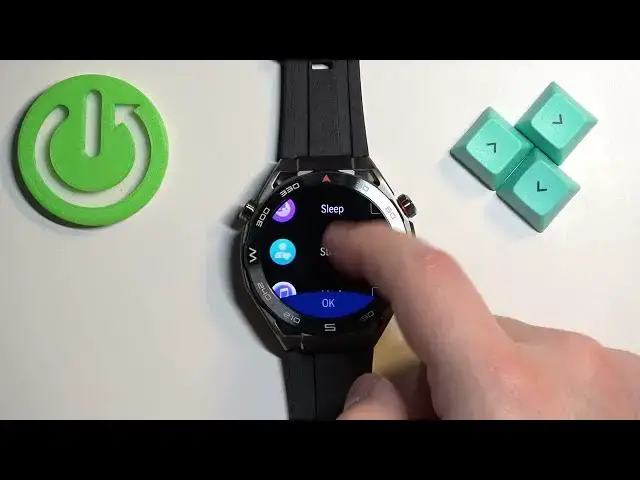

How to Customize Custom Cards Menu (Widgets) on Huawei Watch Ultimate?
Aug 1, 2024

In this tutorial video, you will learn how to customize the Custom Cards Menu, also known as Widgets, on your Huawei Watch Ultimate. The Custom Cards Menu allows you to personalize your smartwatch's home screen by adding, removing, and rearranging widgets to display the information you find most relevant and useful.
Check our website: https://www.hardreset.info/devices/huawei/huawei-watch-ultimate/tutorials/
How to personalize widgets on Huawei Watch Ultimate?
How to add and remove widgets on Huawei Watch Ultimate?
How to rearrange widgets on Huawei Watch Ultimate?
#huaweiwatchultimate #huaweiwatch #smartwatch
Follow us on Instagram ► https://www.instagram.com/hardreset.info
Like us on Facebook ► https://www.facebook.com/hardresetinfo/
Tweet us on Twitter ► https://twitter.com/HardResetI
Support us on TikTok ► https://www.tiktok.com/@hardreset.info
Use Reset Guides for many popular Apps ► https://www.hardreset.info/apps/apps/
Show More Show Less #Computers & Electronics