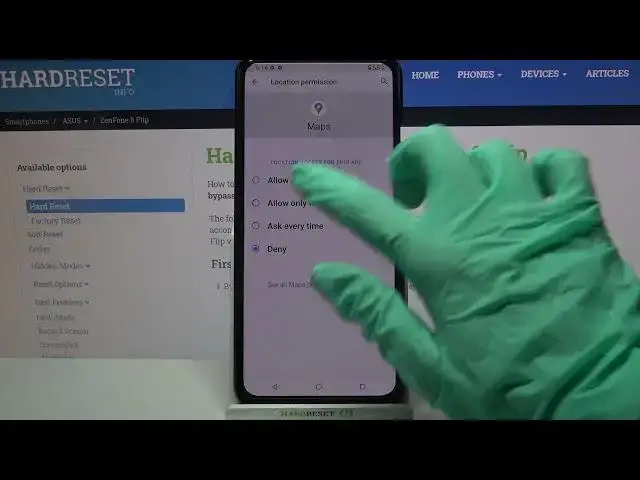

How to Customize Apps Settings on ASUS ZenFone 8 Flip – Permissions Manager
Jul 9, 2024

Find out more about ASUS ZenFone 8 Flip:
https://www.hardreset.info/devices/asus/asus-zenfone-8-flip/
Do you want to block access for the Google Services to your phone camera? No problem - repeat our steps from the video tutorial and use the Apps Permissions option. It's very easy to do because we will certainly help you and show you every setting step in detail! If you didn't know about this feature - like and subscribe to our channel to find out even more interesting secrets about your device!
How to Manage App Permissions in ASUS ZenFone 8 Flip? How to Set App Permissions in ASUS ZenFone 8 Flip? How to Disable App Permissions in ASUS ZenFone 8 Flip? How to Enable App Permissions in ASUS ZenFone 8 Flip? How to Manage Apps Settings in ASUS ZenFone 8 Flip? How to Change Apps Settings in ASUS ZenFone 8 Flip?
#AppsSettings #AppsPermissions #ASUSZenFone8Flip
Follow us on Instagram ► https://www.instagram.com/hardreset.info
Like us on Facebook ► https://www.facebook.com/hardresetinfo/
Tweet us on Twitter ► https://twitter.com/HardResetI
Support us on TikTok ► https://www.tiktok.com/@hardreset.info
Use Reset Guides for many popular Apps ► https://www.hardreset.info/apps/apps/
Show More Show Less