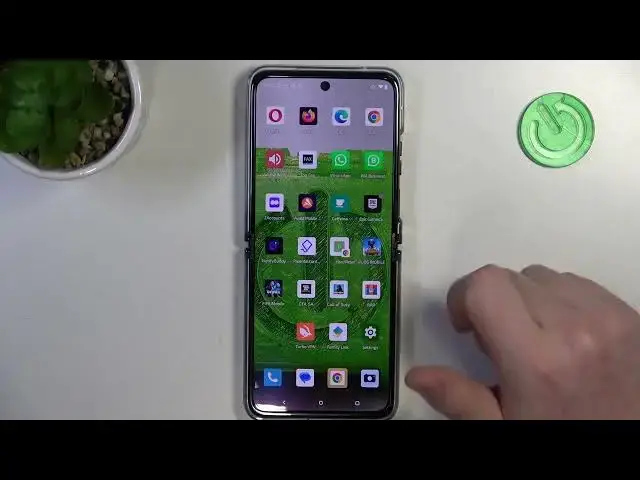

How to Create a Web Page Shortcut on the Home Screen of MOTOROLA Razr 40 Ultra
Mar 16, 2024

Learn more about the MOTOROLA Razr 40 Ultra: https://www.hardreset.info/devices/motorola/motorola-razr-40-ultra/tutorials/
In this tutorial video, we'll show you how to add a website icon to the home screen of your MOTOROLA Razr 40 Ultra for quick and easy access to your favorite websites. With this simple technique, you can create shortcuts to your most visited sites, eliminating the need to search through bookmarks or browser history. Join us as we guide you step-by-step through the process of adding website icons using the default browser on your MOTOROLA Razr 40 Ultra. Learn how to customize the icon's appearance and placement on your home screen, making it a personalized and convenient way to access your preferred websites. Whether you want quick access to social media, news, or any other website, this tutorial has got you covered. Watch now and discover how to streamline your web browsing experience by adding website icons to your home screen on the MOTOROLA Razr 40 Ultra!
How to add a website icon to the home screen on MOTOROLA Razr 40 Ultra? How to create a home screen icon from a webpage on MOTOROLA Razr 40 Ultra? How to put a webpage shortcut to the home screen on MOTOROLA Razr 40 Ultra?
#MOTOROLARazr40Ultra #HomeScreen #MOTOROLAIcons
Follow us on Instagram ► https://www.instagram.com/hardreset.info
Like us on Facebook ►
https://www.facebook.com/hardresetinfo/
Tweet us on Twitter ► https://twitter.com/HardResetI
Support us on TikTok ► https://www.tiktok.com/@hardreset.info
Use Reset Guides for many popular Apps ► https://www.hardreset.info/apps/apps/
Show More Show Less