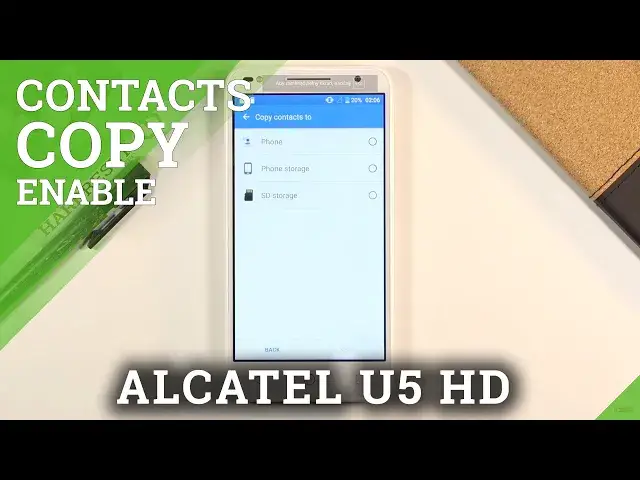

How to Copy Contacts on ALCATEL U5 HD – Copy Contacts from SIM Card to Phone Storage
Jul 15, 2024

Learn more info about ALCATEL U5 HD:
https://www.hardreset.info/devices/alcatel/alcatel-u5-hd/
If you want to learn how to transfer the entire contact list and individual contacts from ALCATEL U5 HD's internal memory to a SIM card, then I'll show you how to do it. Open the attached video and learn how to quickly and safely transfer contacts to the SIM card. If you transfer contacts to the SIM card, in a situation in which you change the smartphone to a new one, you will be able to keep the contact list on the SIM card. We highly recommend you to learn how to set a PIN for your SIM card to protect the data stored on your SIM card. Go to our YouTube channel and find a tutorial and learn how to set up PIN for SIM Card.
How to Transfer Contacts in ALCATEL U5 HD? How to Move Contacts in ALCATEL U5 HD? How to Move Contacts from SIM to ALCATEL U5 HD? How to Import Contacts to ALCATEL U5 HD? How to Export Contacts from ALCATEL U5 HD to SIM Card? How to Manage contacts in ALCATEL U5 HD? How to Copy Contacts in ALCATEL U5 HD? How to open contacts settings in ALCATEL U5 HD?
Follow us on Instagram ► https://www.instagram.com/hardreset.info
Like us on Facebook ► https://www.facebook.com/hardresetinfo/
Tweet us on Twitter ► https://twitter.com/HardResetI
Show More Show Less