0:00
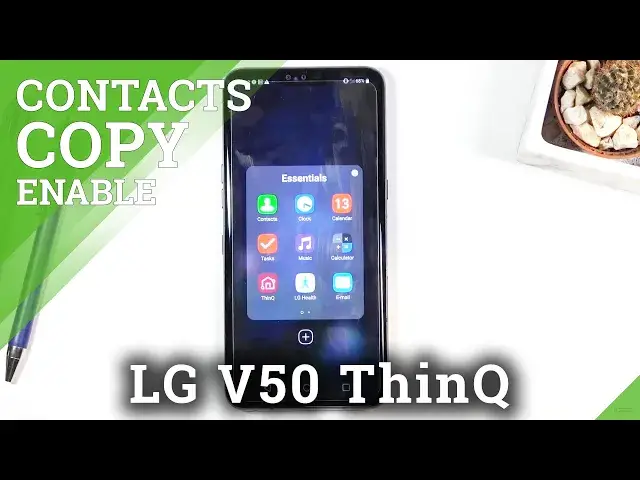
Welcome, Efonomi is an LG V50 and today I'll show you how to copy contacts from your SIM
0:12
card to the device. And to get started, you'll want to open up the standalone contacts app, which is located
0:18
in the essentials folder. So right over here, just tap on the contacts
0:23
And once you open it up, you want to tap on the three dots and go to manage contacts
0:29
Now before I actually proceed with importing contacts, I'll go back and show you how one
0:34
thing so right here, that's all the contacts that are right now on the phone, or not even
0:38
on the phone, they're all on the SIM card, but you can base the assumption on that tiny
0:44
little icon that is right next to the first letter of whatever the contact name is, right
0:49
So you can see the blueish green icon, that's the SIM card
0:55
And that's basically where all the contacts are located right now. So if I were to remove that SIM card, contacts would disappear
1:02
So from here, let's go back to the manage contacts. And in here, all you need to do is tap on import
1:09
Once you select it, you want to import it obviously from SIM card, I would assume
1:13
I also have the option from SD card or internal storage. Now that is only if you actually have a VCF file, but here I'm just going over the contacts
1:25
that are on the SIM card rather than VCF files. So select SIM card, tap on OK
1:31
And then you can select each contact that you want to transfer over to your phone
1:35
Now you have a handy little button right at the top to select all of them with a single click
1:40
And from there, you can tap on import. And there we go
1:45
That is how you import contacts. And now if we go back, you can see that there are duplicated
1:49
So each contact is twice. And the ones that are on the phone are the ones without any kind of icon next to the
1:56
letter right here. So if I were to remove the SIM card right now, only part of the, basically half of the
2:04
contacts would remain, which I can actually show fairly quickly right now
2:09
I'm not exactly sure if it's going to disappear right away. And yep, it does
2:13
As you can see, once you take out the SIM card, it immediately removes the contacts
2:18
that are on the SIM and keeps only the ones that are on the phone
2:23
So that is basically how you import your contacts. And if you found this very helpful, don't forget to hit like, subscribe, and thanks